
In short: Testing across all platforms (browsers, devices, operating systems) is essential for a consistent user experience. Our top 8 cross-platform testing tools include Mr Suricate, BrowserStack, LambdaTest, Sauce Labs, TestComplete, Selenium, and others. This comparison explains what cross-platform testing is, why it’s crucial, and details the strengths of each tool to help you choose the one that best fits your needs.
In modern software development, cross-platform compatibility is essential to ensuring a consistent user experience, regardless of how users access the application.
To ensure this compatibility, a cross-platform testing tool is essential, but there are dozens of such tools on the market to compare.
In this article, we'll explore the 8 best cross-platform testing tools for developers and testing teams.

What is cross-platform testing?
Cross-platform testing is a non-functional aspect of development that ensures a website works on:
A combination of browsers and operating systems, including the most popular ones: Chrome, Firefox, Edge, Safari, and, of course, macOS, iOS, Windows, and Android.
A range of devices: Companies must ensure that their websites work just as quickly and easily on all types of devices and screen sizes: smartphones, tablets, laptops, and desktop computers.
Accessibility technology: Speed and cross-device compatibility aren’t the only considerations web developers need to take into account. With hundreds of millions of people who are visually impaired or unable to access digital content due to disabilities, verifying that a website is compatible with assistive technologies will ensure that it is accessible to everyone.
Why is a cross-platform testing tool so crucial?
Browser vendors all adhere to web standards, also known as Open Web Standards or W3C standards.
However, the way these standards are interpreted and implemented is not universal, and the technology behind browsers and operating systems is constantly evolving.
A multi-browser automated testing tool helps QA teams overcome these challenges by quickly identifying bugs in websites and applications across all the scenarios that matter most to the wide range of end users at any given time.
Top 8 Cross-Platform Testing Tools Based on Our Criteria
The many cross-platform testing tools available on the market can all help you identify issues across the wide variety of platforms that exist.
However, there are certain aspects that vary among these tools, such as ease of use, customer service (or the lack thereof in the case of open-source tools, for example), and price. Our criteria for selecting the tools listed below are based on their ease of use and the resources available to help you use them to their full potential.
1. Mr Suricate
Mr Suricate is a no-code testing tool that detects bugs across all platforms in real time by simulating user journeys at regular intervals.
The tool stands out for its ease of use and intuitive scenario configuration, even for non-technical users.
In addition to this comprehensive and highly flexible solution, another advantage of Mr Suricate the personalized support team that remains available to address any issues and help you adapt your tests to your specific needs as they arise.
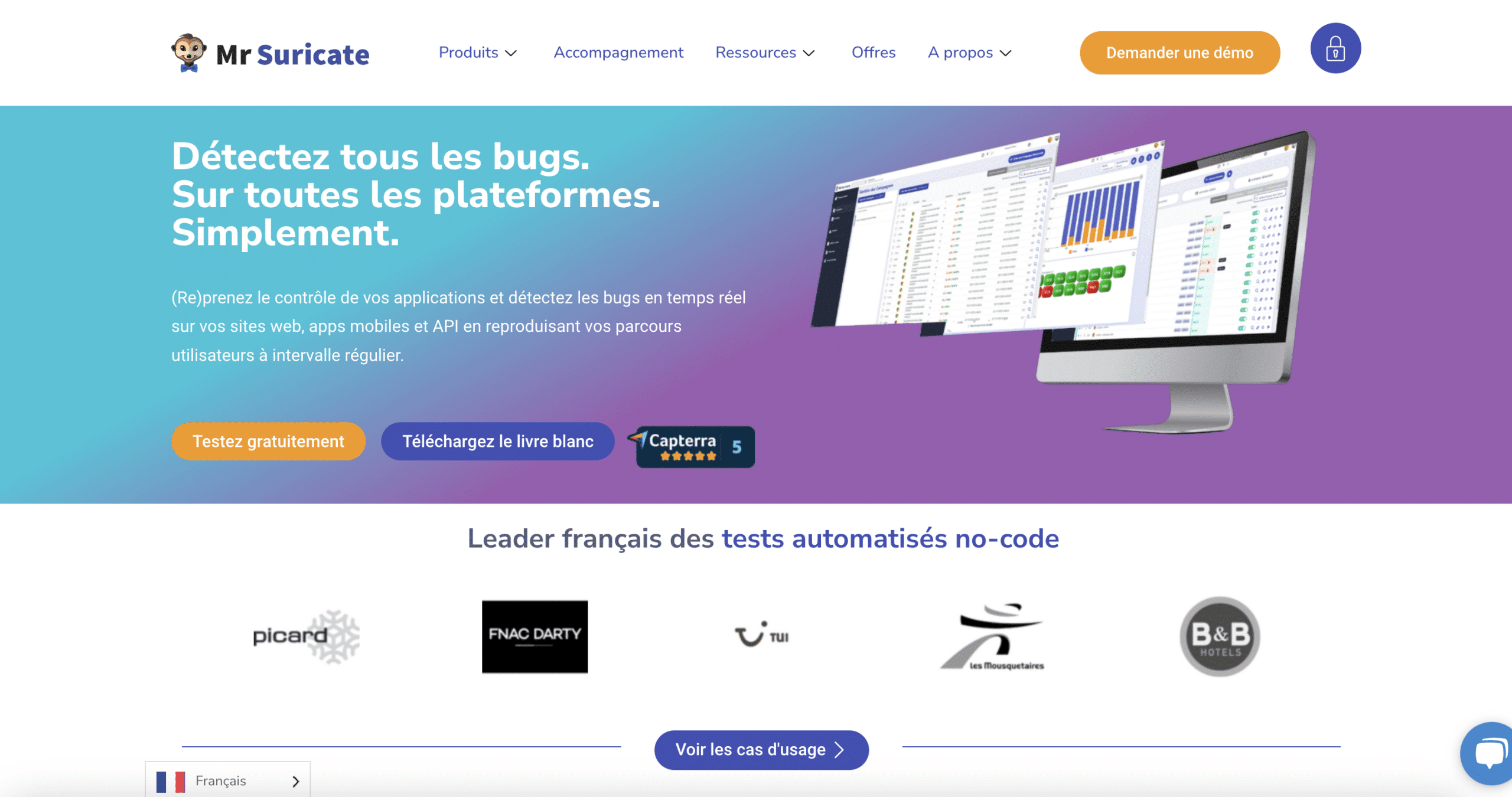
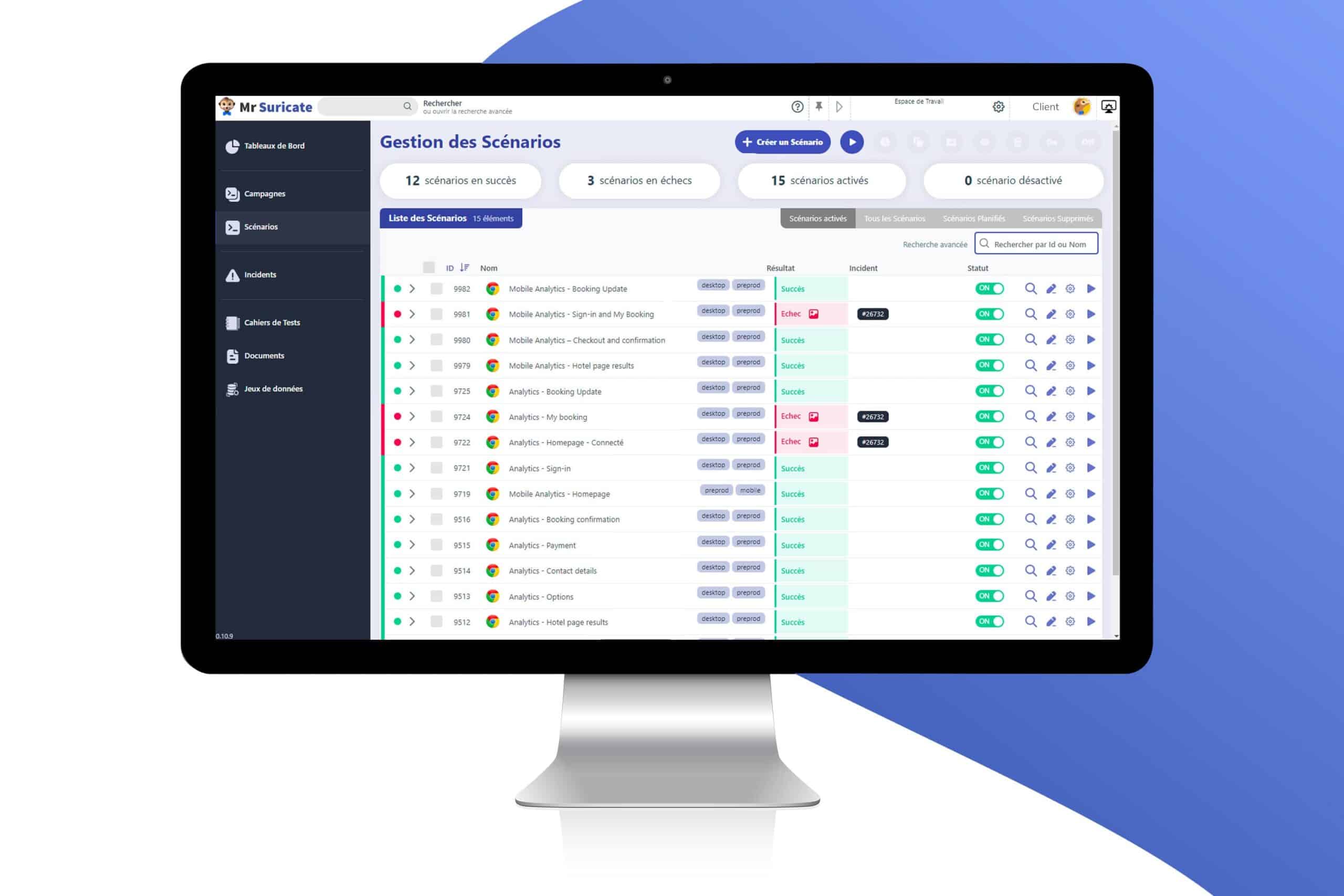
The key benefits of Mr Suricate cross-platform testing:
Simple and no-code: Automate your tests without programming. It’s easy for non-technical users to get started, which also leads to a faster time to market.
Geolocation: Check cross-platform compatibility by running the scenarios from the country of your choice.
Tests conducted on actual devices: Cross-platform tests are performed sequentially on actual devices to ensure unmatched test reliability.
Dedicated Customer Success: Mr Suricate to your profile and needs through its dedicated customer service team, which provides oversight, follow-up, and responses to all your requests with a French team based in Nantes.
Easy-to-interpret reports: Thanks to its intuitive dashboards, scenario videos, and incident notifications, your cross-platform bugs are easily identified.
2. Browserstack
BrowserStack is a testing solution that allows you to test applications in real-world environments, which means that tests are run on actual browsers, operating systems, and devices.
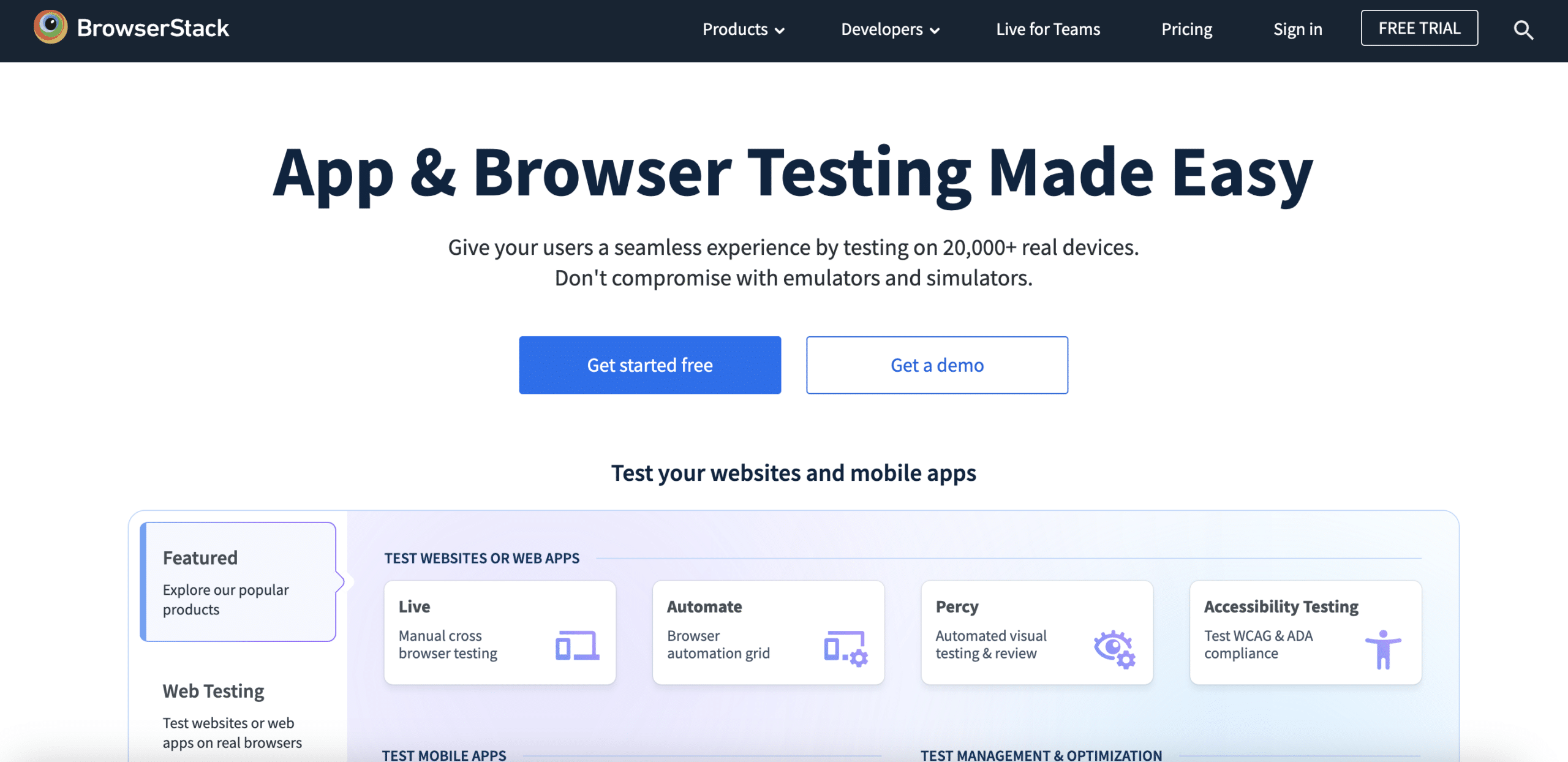
Other notable benefits:
Wide range of browsers and devices: BrowserStack offers a wide selection of web browsers, operating systems, and physical and virtual devices for testing applications across different configurations. This includes both the latest and older versions.
Integration with your current tools: Browserstack offers easy integration with many development and test management tools, such as Jira, Slack, and Jenkins.
Speed of execution: BrowserStack allows you to run tests simultaneously on multiple browsers and devices, saving time during the testing phase.
3. LambdaTest
LambdaTest is an AI-powered cloud testing platform that offers extensive test coverage.
Their cross-platform tool enables cross-browser testing on more than 3,000 different desktop and mobile browsers, and you can choose the web browser, browser version, operating system, and screen resolution to test.
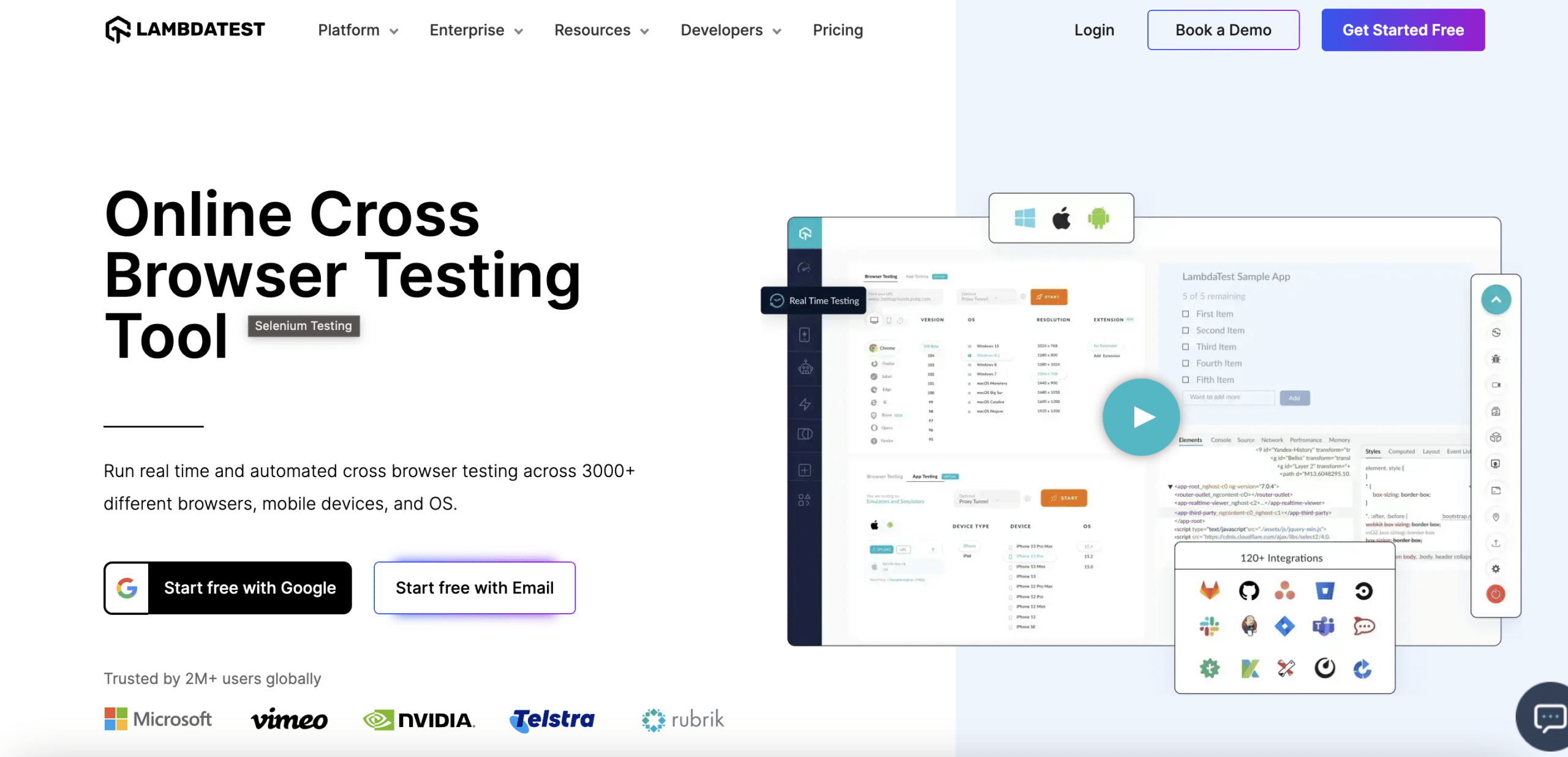
Other notable benefits:
Built-in native development tools for debugging: Whether it’s Chrome, Safari, Microsoft Edge, Yandex, or even mobile browsers, every browser on the LambdaTest cloud comes with pre-installed native development tools to help you debug.
Geolocation Test: Test your website or mobile app from different geographic IP addresses.
Testing with browser extensions: The extension feature allows you to add Chrome extensions to the test environment before starting a session.
Download test script files: You can upload the required file using Google Drive or any other cloud storage service and open it in the remote virtual machine on LambdaTest.
4. Sauce Labs
Sauce Labs is a cross-platform testing tool focused on speed that stays up to date with the latest browsers, operating systems, emulators/simulators, and real devices.
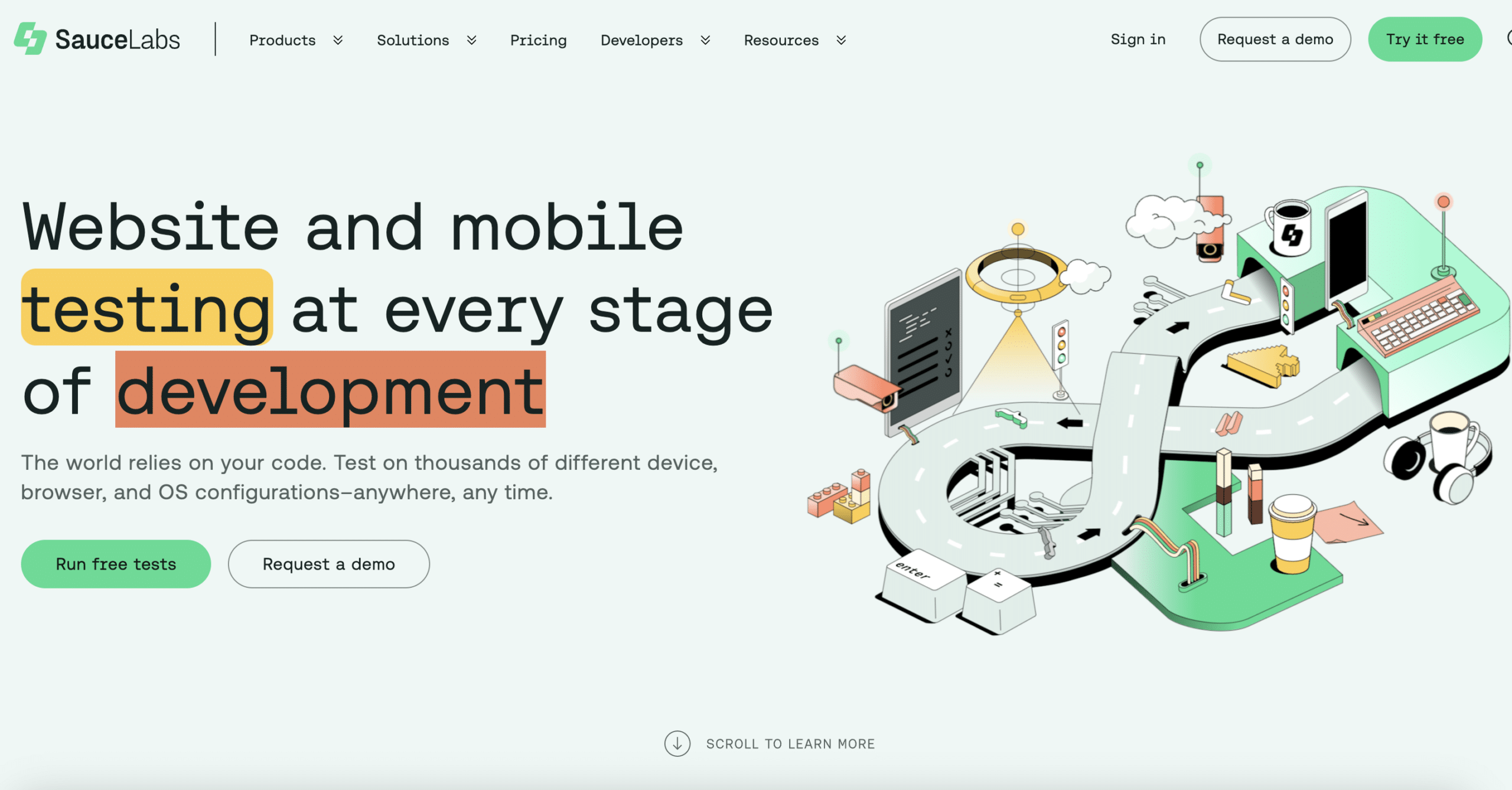
Its key benefits:
Parallel Testing: The tool allows you to run multiple test suites in parallel across all combinations of browsers and operating systems.
Live Testing + Development Tools: Validate the user experience in real time with live tests on thousands of emulators/simulators, real devices, and browser/operating system configurations.
Quickly diagnose and debug issues using Chrome's developer tools and Safari's Web Inspector.
Integrated Results: Watch a video recording of your entire test and browse through screenshots to share bugs with the developers.
5. TestComplete
As its name suggests, TestComplete positions itself as an “all-in-one” testing solution.
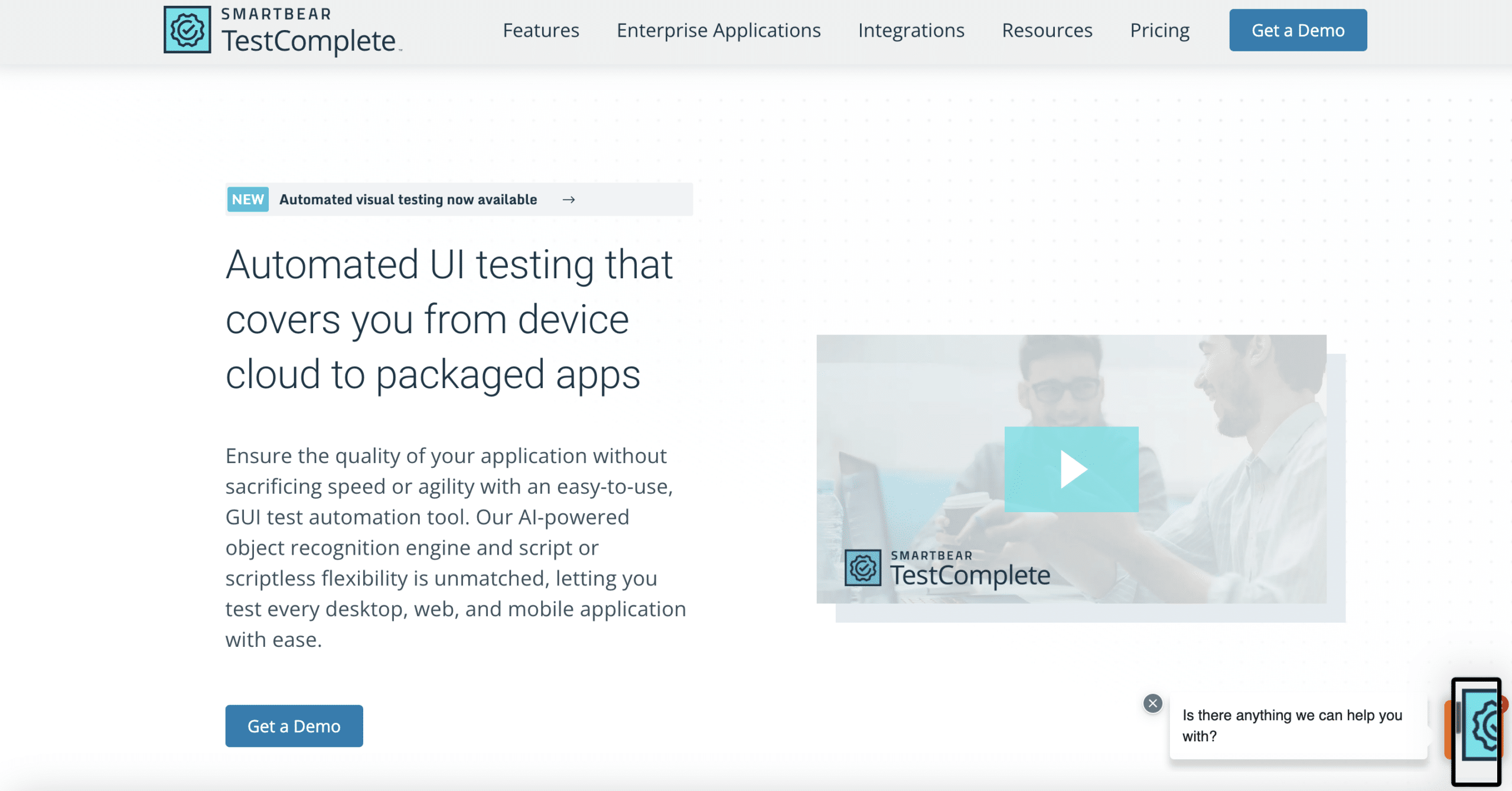
When it comes to cross-browser testing using TestComplete, the key benefits are:
Easily apply the same test to other browsers: The key advantage is that you can record or create a test for one of the supported web browsers, and then run the test in other web browsers with little or no modification.
Support for JavaScript Messages and Browser Dialogs: Web pages can display various messages and dialogs. Handling them is typically a challenging task because different browsers use different GUI implementations. TestComplete supports commonly used modal dialogs.
6. Selenium
Selenium is the leading open-source testing tool that uses APIs to interact with web elements and simulate user interactions.
The platform consists of a suite of tools, and Selenium WebDriver is one of its key components, enabling cross-browser testing by automating browsers across various platforms.
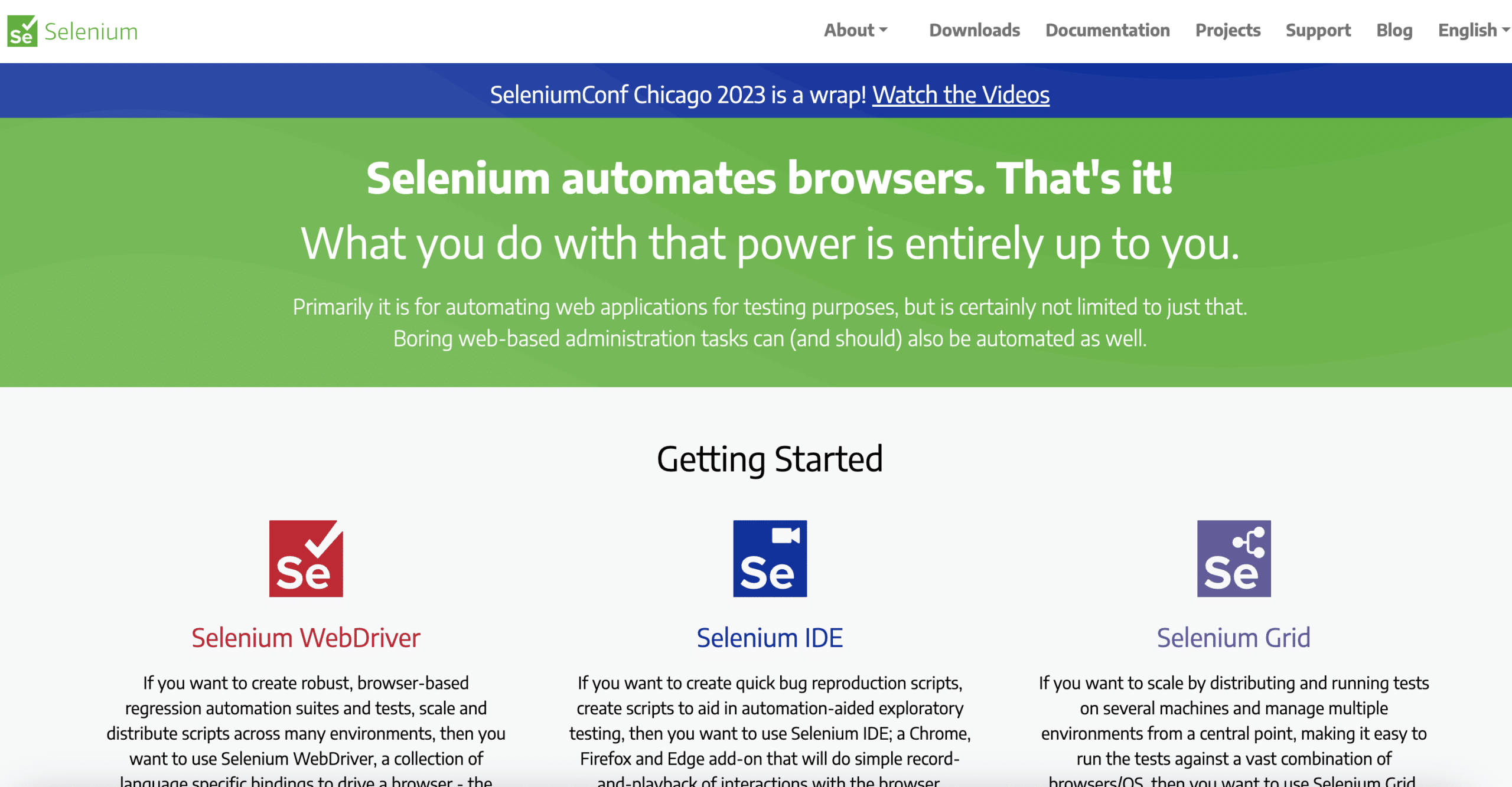
Its benefits for cross-platform testing:
Flexible programming language: Selenium supports several popular programming languages, such as Java, Python, C#, Ruby, and JavaScript.
Recording and Replaying Scenarios: Selenium allows you to record user actions in one browser and automatically replay them in other browsers.
Large community and active support: There are many online resources, discussion forums, and tutorials available to help you get assistance and advice.
7. Appium
Appium is another open-source framework used for cross-platform testing, and its main advantage is its flexibility.
Appium allows testers to write test scripts in several programming languages (Java, JavaScript, PHP, Ruby, Python, and C#) for multiple platforms, such as iOS, Windows, and Android, using the same API.
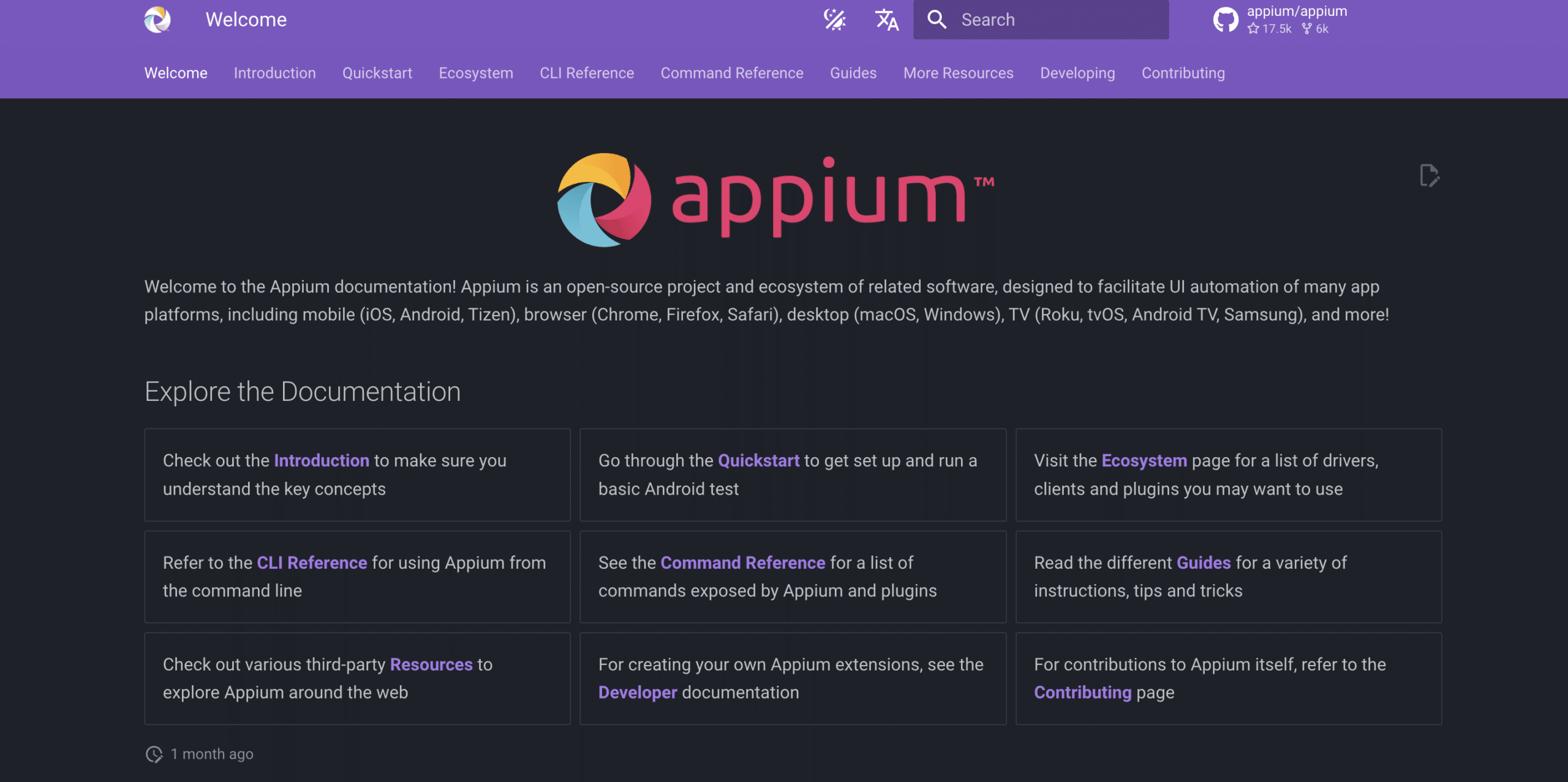
Its outstanding advantages:
Reporting Structure: With a built-in UIAutomator, Appium can generate detailed logs and features a comprehensive reporting structure to facilitate better analysis of test results and debugging.
Easily Reusable Code: Appium allows the same code to be reused across different device platforms, such as iOS, Android, and Windows.
Parallel Testing: Appium enables the parallel execution of test automation scripts across different Android or iOS sessions.
8. Katalon Studio
Katalon is a flexible QA platform that offers no-code, low-code, and full-code capabilities, meaning it is suitable for both beginners and advanced users, who can use the full IDE and write advanced scripts.
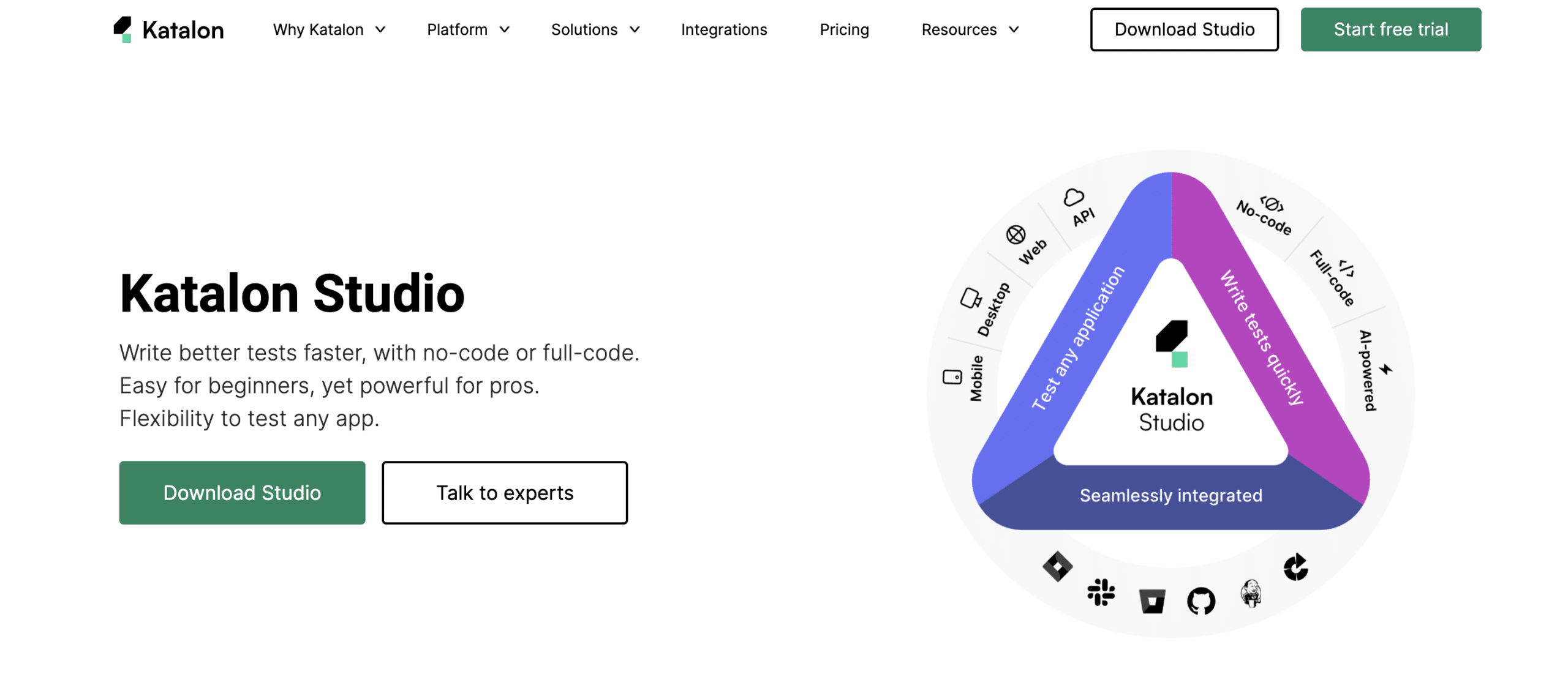
Its benefits for cross-platform testing:
Support for the most widely used browsers: Katalon supports all popular browsers and allows you to run automated tests in Chrome, Firefox, Internet Explorer, Safari, Edge, Remote, Headless, and custom environments.
Easy integration with other tools: Support for integrations with collaboration platforms (Git, Microsoft Teams, and Slack) and execution platforms.
A variety of learning resources: Developers have access to numerous training videos and documentation. Katalon offers GitHub repositories, a list of online courses on Udemy, and video tutorials on YouTube.
Multiple reporting options: Katalon Studio Enterprise offers more reporting options, such as test suite collection reports and report history, as well as videos for headless browsers.
Mr Suricate France's leading provider of no-code automated testing
At Mr Suricate, our mission is to protect our clients’ brand image and increase their revenue while ensuring a smooth user experience by detecting bugs before and after deployment.
FAQ
What is cross-platform testing?
This involves verifying that an application functions the same way across different browsers, devices, and operating systems. It ensures a consistent experience regardless of how users access it.
What is the best cross-platform testing tool?
It depends on your needs: Mr Suricate cross-browser and cross-device no-code testing, BrowserStack or LambdaTest for large device fleets, and Selenium for technical teams.
Why is cross-platform testing crucial?
Because a website may work in one browser but fail in another. Given the wide variety of devices and browsers, testing compatibility helps prevent the loss of users and sales.
Further Reading
- Top 5 Best Automated Testing Tools 2025
- Key Features of a SaaS Test Automation Platform
- Software Testing in 2026: Trends Redefining Quality
- Test Reporting and Analytics
- The no-code script editor
- Katalon vs. Mr Suricate: A Comparison
- BrowserStack vs. Mr Suricate: A Comparison
- SmartBear vs. Mr Suricate: A Comparison