









Without writing any codeWeb, Mobile, and APIsAccommodations in France

Functional Testing: Make Sure Your User Flows Actually Work

A form that no longer submits, a flow that gets stuck at step 3, a button that no longer works. Functional tests replay your critical user flows with every release—on the web, on mobile, and across your APIs.

app.mrsuricate.com
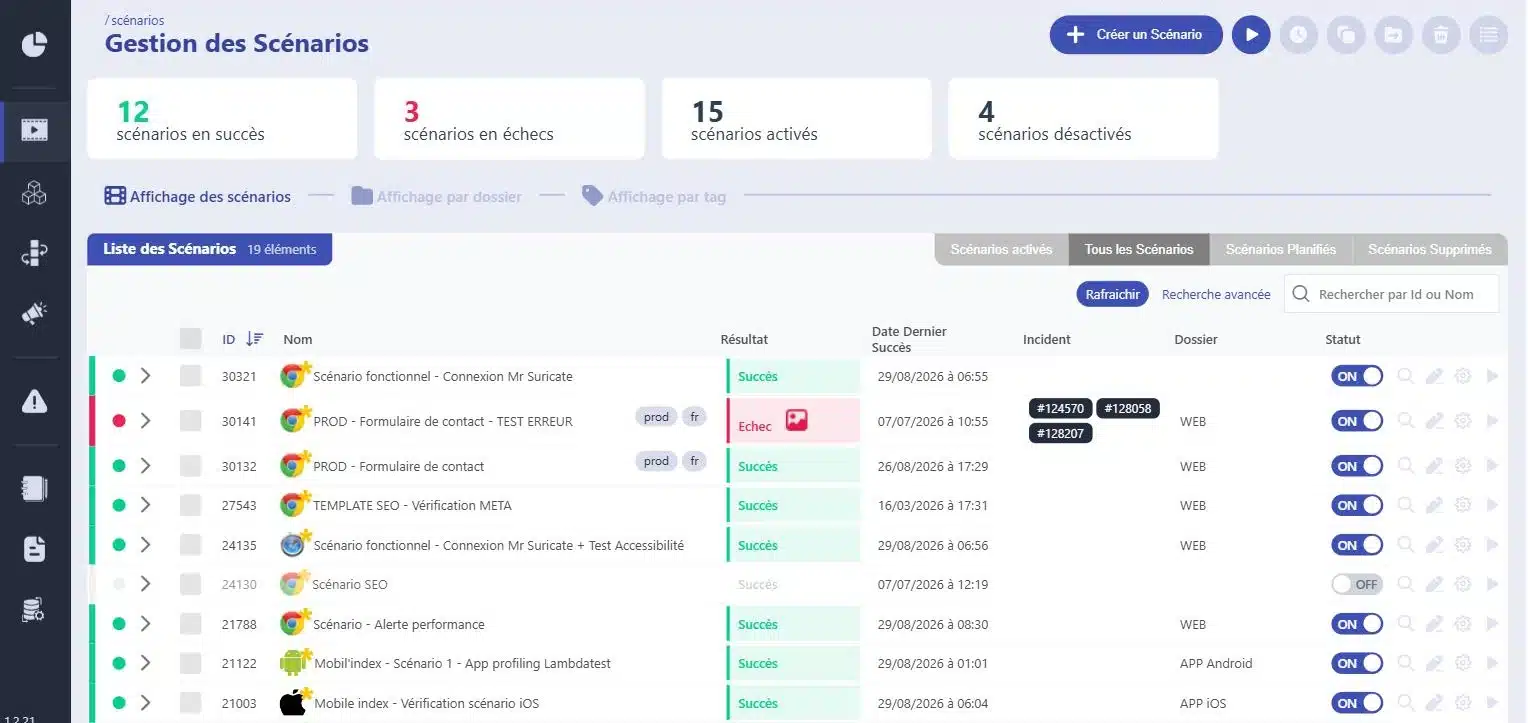
Conducting Functional TestsOngoing campaign
WebsiteMobile appAPI
  • Web ·Create an AccountSuccessful
  • Web ·Search and FiltersSuccess
  • Web ·Order TunnelFailure
  • Mobile ·LoginSuccessful
48 scenarios played in 6 minutes
Step 3 is blockedTeam notified

They trust us

Retail, banking, manufacturing, transportation, and services: Our clients run nearly 3 million scenario simulations per month on their critical workflows.

A challenging course doesn't give you any warning

A production release passes the unit tests, the code is clean, and yet the contact form hasn’t been sending anything for three days. No one noticed, because no one manually reviews the app’s fifty user flows with each release. Automated functional testing does exactly that: it replays the user flow just as a user would, and alerts you as soon as the result changes.

Mouse icon

Clicks, keystrokes, uploads, page transitions. The scenario replicates what a real user does in a real browser.

Purple Rectangles Icon

The Checks That Matter

Text displayed, amount calculated, email received, redirect completed. You decide what should be true at each step.

Purple Gear Icon

Recipe, pre-production, production. Variables and datasets by environment, without duplicating the scenario.

Purple API Test Icon

AI-assisted data capture or block-based assembly. A business profile that builds and refines its own scenarios.

Integrates with your pipeline without rewriting it

Your functional tests are triggered from your CI, run on your production environments, and report back to where your teams are already working. No need to retool.

1 Triggering Your tools stay in control
  • GitLab
  • Jenkins
  • Microsoft Azure
  • API Call
  • Planning
2 ExecutionMr SuricateYour scripts run on your production environments
  • Web Tour
  • Native iOS and Android Apps
  • Real Mobile Farms
  • APIs and Internal Feeds
3 Restitution The results are delivered right to your workplace
  • Jira
  • Slack
  • SMS
  • Webhook
  • API
And maintenance that stands the test of time
  • Reusable blocksA change updates all scenarios that use it
  • AI-Assisted CorrectionSuggested corrections for scenarios with errors
  • Grouping IncidentsSimilar anomalies are processed only once

How Automation Is Changing Things, Line by Line

Manual Functional Testing
With Mr Suricate
A full-scale campaign keeps the team busy for an entire day.
The same ad runs for a few minutes.
We test whatever we have time to test before going live.
All critical paths are checked with every delivery.
The result depends on who did the testing and how tired they were.
The same script returns the same result every time it runs.
A regression is discovered by a dissatisfied customer.
The failure is logged in Slack or Jira within a minute.
Replaying a course on four browsers takes four times as long.
Browsers and resolutions are handled in parallel.
The proof of the test is a checked box in a spreadsheet.
Each step is time-stamped, recorded, and can be replayed.
Result200 scenarios played out in 3 minutes, and zero lines of code needed to build them.
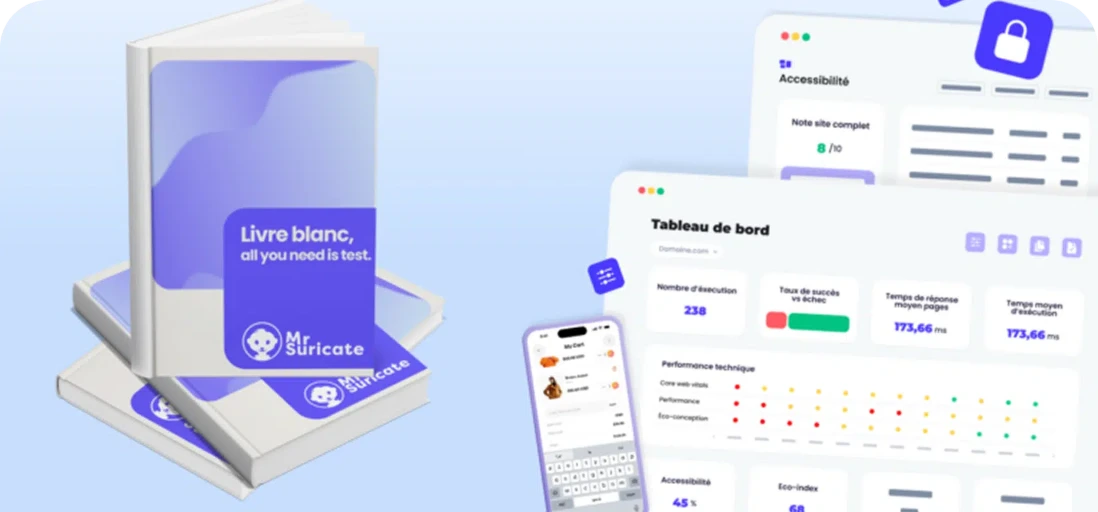
PRACTICAL GUIDE · 2026 EDITIONSoftware Quality and Testing: The Essential GuideThe fundamentals of functional testing, common pitfalls, and a method for building test coverage that stands the test of time.
Download the guide
“What convinced me was the no-code approach: our QA engineer got the hang of the tool in just a few days. The tangible result: fewer bugs in production and smoother deployments.”

Arnaud TrotignonCTO, Optivalue

Support that ends whenever you want

Mr Suricate replace your QA team—it enhances it. You decide what to handle in-house and what to outsource: creating test scenarios, running them, or maintaining them over time.

  1. 1Identification of critical paths, front-end and back-end
  2. 2Writing Tests Without Code
  3. 3Continuous monitoring and alerts
  4. 4Scenario Maintenance and Development
ResultYou gain broader coverage without increasing your teams’ workload. And if you’d rather delegate everything, QA outsourcing takes over.

YOUR QUESTIONS

Frequently Asked Questions

The questions QA teams ask us most often about functional testing.

What is a functional test?

A functional test verifies that a feature produces the expected result from the user's perspective. It does not examine how the code is written, but rather what the application displays and does: the account is created, the amount is correct, the email is sent, and the next page is displayed.

How is this different from a non-regression test?

It's the same scenario, run at a different time and for a different reason. A functional test verifies that a feature works. A regression test re-runs all the scenarios that have already been validated to verify that a change hasn't broken anything else.

Do you need to know how to code to create a functional test?

No. Scenarios are built using assisted recording or by assembling blocks, without writing any code. This is what allows a business analyst or a non-developer tester to create and update their own tests.

How many scenarios do you need to get started?

About ten critical test scenarios are enough to cover the bulk of the risk: login, search, order flow, contact forms, and payment forms. Coverage is then expanded as the system evolves, without having to start from scratch.

Are mobile apps covered?

Yes, in both senses of the word. Real iOS and Android apps are run on farms of actual devices, and your web journeys are also tested at your users' mobile resolutions.

Does automated functional testing replace manual acceptance testing?

No. It handles the repetitive tasks—that is, the workflows your teams repeat with every release. Manual acceptance testing handles what a machine can’t do: exploration, business judgment, and validation of design intent.

What happens when the interface changes?

Two mechanisms help minimize damage. First, reusable blocks: a change updates all scenarios that use that block. Second, AI-assisted repair, which suggests fixes when a selector has moved. Validation is still done by humans.

How long before the first results?

A few days. There’s no need for any preliminary integration work, and it’s not tied to a specific release: the initial scenarios are built around your application as it is currently live.

Are APIs and mobile apps covered?

Yes, for the web, native iOS and Android apps on actual mobile devices, and internal APIs and feeds. Thick clients are not supported.

Do you only believe what you see?

A 30-minute demo of your own app. You'll see one of your workflows automated in real time, without writing any code.