

A scenario that repeatedly runs the same calculation eventually ceases to prove anything. Separate variables, datasets, and environments allow the same test to be run on different cases without duplicating it.
No production data· Encrypted Secrets· One scenario, multiple profiles
Two classic pitfalls. The first is using a single account for everything: the day that account gets blocked, the entire campaign goes down and the report becomes unreadable. The second is copying the production database into the staging environment, which solves the realism issue but creates a much bigger one related to GDPR.
There is a third use case—one that is less well-known but frequently requested by our clients—which involves generating the data itself. For a logistics provider, for example, we create the datasets intended for production use. The engine no longer simply consumes data to verify a route; it generates the data itself according to business rules, at the requested frequency and volume.

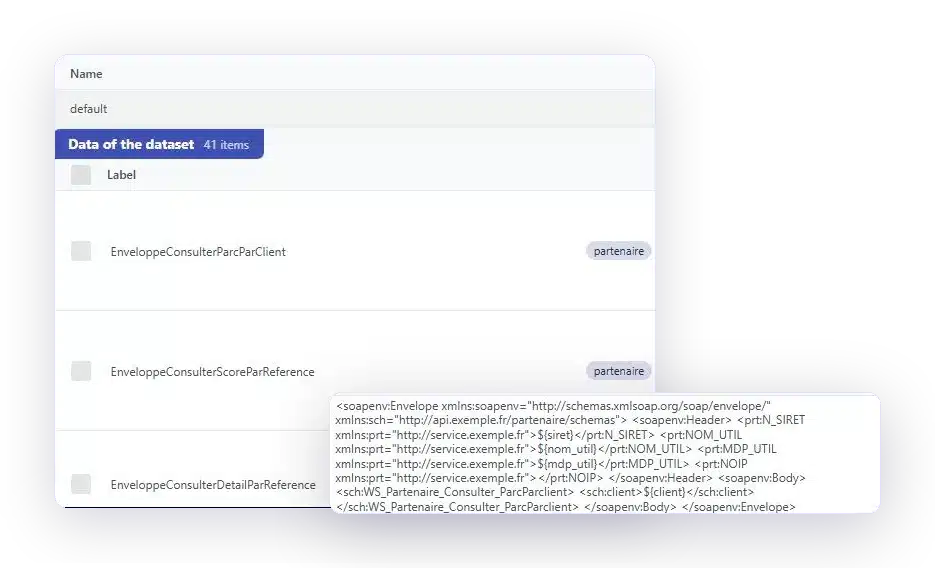
Your datasets are provided as files. One row per case, one column per value that changes in the scenario.

Data can also be fetched via an API call to refresh it before a campaign without requiring manual intervention.

An administrator marks data as protected: other users in the workspace cannot see it, and it does not appear in reports.

URLs, accounts, and keys vary depending on whether it's a test, pre-production, or production environment. The scenario, however, remains the same.
One scenario, four lines in a file. That's what makes the difference between covering a path and covering its edge cases.
GO FURTHER
Every component of the platform, from scenario creation to verification of its execution.
Is there a term you don't understand? The automated testing glossary defines it.
YOUR QUESTIONS
Data sources, confidential information, environments: answers to the most frequently asked questions.
From three sources: a file you import, an API call that populates them before the campaign, or a dedicated workflow that creates them directly in your application, just as a user would.
It is possible, but we do not recommend it, unless the data was created by you specifically for testing purposes. Copying a production database to a test environment poses a GDPR risk that is not justified in this case.
Data is encrypted at rest and is never stored in plain text, either in an execution report or in an export. An administrator can also mark data as protected: other users of the workspace cannot see it.
Through variables specific to each environment. The same scenario runs in testing, pre-production, and production without being duplicated or modified.
The script fails, and that's the expected behavior: the report identifies the step and the data in question. That's precisely why we avoid basing an entire campaign on a single account.
Yes. This is a common practice among some of our clients: we generate the datasets intended for production use, following the business rules you define, at the requested volume and frequency. The engine performs the data entry just as a team would, but without transcription errors.
The mechanics are similar, but the purpose is different. An RPA tool is designed to execute end-to-end business processes, with connectors to enterprise software packages. We focus on web and mobile interfaces, within defined volumes, and always with a record of what has been done.
A 30-minute demo of your own application. You'll see the same scenario played out using several different datasets.