









Permissions, Sessions, HTTPS Inspection with every delivery Web, Mobile, and APIs

Security Tests: What a User Can Actually Achieve

Access control, sessions, authentication, HTTPS: We simulate your actual user flows to verify the security observable from a browser. Penetration testing and code analysis remain the domain of your experts.

app.mrsuricate.com
Safety InspectionAnalysis in progress
AccessSessionsHTTPS
  • Contrast ·Customer Area (not logged in)Access Denied
  • Labels ·Reader Profile on the Admin PageAccess Denied
  • Alternative ·Session After LogoutStill active
  • Keyboard ·HTTP Redirection to HTTPSCompliant
54 criteria reviewed over 8 pages
Missing AlternativesTeam notified

A scan cannot connect to a customer's account

A vulnerability scan examines the technical surface of an application. It does not log in, does not switch profiles during the test, and does not verify that an invoice remains inaccessible after logging out. These checks are performed in the browser, using real-world user flows. This is exactly what an automated scenario replicates with every release.

Mouse icon

Access Control

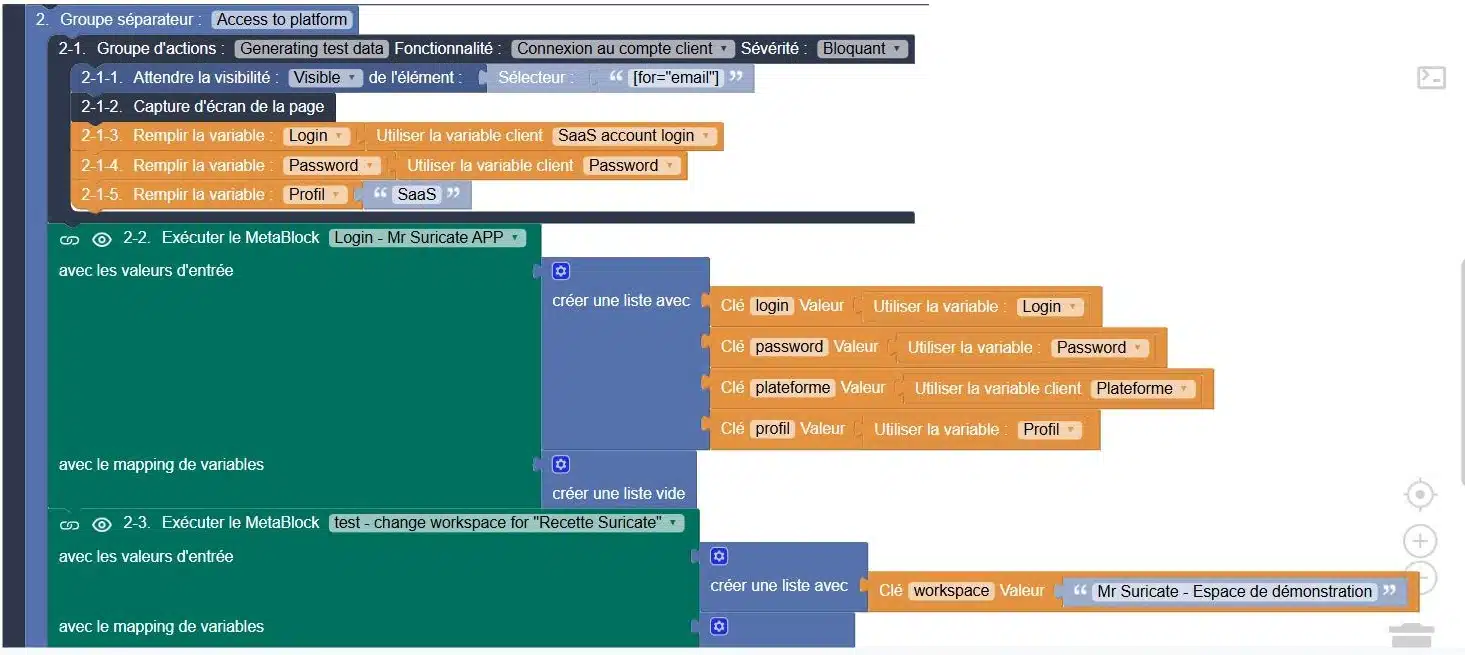
A protected page must not open without a session or using another user's profile. The scenario attempts to access the page, one profile at a time, and verifies that access is indeed denied.

Purple Rectangles Icon

Sessions and Logout

Timeout due to inactivity, actual logout, going back in the history, a second tab left open: the session must close wherever it was opened.

Purple Gear Icon

Login, MFA, one-time code, lockout after multiple failed attempts, password reset. These are workflows just like any others; they are tested just like any others.

Purple API Test Icon

HTTP-to-HTTPS redirection, a valid certificate, no mixed content, and error pages with no technical traces: everything visible on the client side is verifiable.

What a line-by-line check at each delivery changes

Manual Checks Before Production
With storylines that are replayed with each installment
Rights are verified manually, when the schedule allows
Access controls are replayed with each deployment
A loss of rights is discovered when a customer reports it
The gap widens within a minute of the post going live
The scan turns green; the routes are not covered
The scan and the scenarios complement each other, each within its own scope
No one checks to see if a session actually expires
Expiration and logout are tested for each profile
Audit evidence is reconstructed after the fact for the audit
Each execution leaves a timestamped record, supported by a screenshot
The inspection depends on the availability of a security expert
Basic checks run on their own; the expert handles the rest
ResultAny discrepancies in rights and sessions detected at the time of delivery must be addressed immediately, not at the next audit.
“With Mr Suricate, we’ve automated label verification, secured our data, and gained the reliability we need to make strategic decisions without errors. Plus, it’s fun!”

Xavier ValetHead of Data Analytics - HelloWork

YOUR QUESTIONS

Frequently Asked Questions

The most common questions we receive about the actual scope of security testing.

Does an automated script replace a penetration test?

No, and the two don’t aim to achieve the same thing. A penetration test looks for exploitable vulnerabilities—often outside of standard workflows—and requires offensive expertise. A scenario simulates a real-world workflow and verifies what can be observed from the browser: access, permissions, sessions, and HTTPS. The former is run on an ad hoc basis, while the latter runs with every release.

Do you perform vulnerability scans or code analysis?

No. Vulnerability scanning, static code analysis, and infrastructure auditing remain the domain of your tools and security experts. Our scope is limited to what a user can access from a web page.

Which security checks can actually be automated along a route?

Profile-based access control, session expiration and logout, account lockout after multiple failed login attempts, the password reset process, HTTP-to-HTTPS redirection, certificate validity, the absence of mixed content, and error pages that do not leak technical information.

Are dedicated test accounts necessary?

Yes, one account per user role, and preferably accounts set aside for testing. This allows you to verify that a user role does not see what an administrator sees, without manipulating actual data.

Can these tests be deployed in production?

Yes, for all non-destructive operations: access attempts that are denied, session checks, and certificate verification. Scenarios that write data remain within your test environments or rely on isolated test datasets.

Do you only believe what you see?

A 30-minute demo of your own app. You'll see one of your workflows automated in real time, without writing any code.