


In a nutshell: A production rollout comes with its share of issues: performance problems, functional bugs, syntax or logic errors, integration bugs, security vulnerabilities, and compatibility issues. Knowing what they are is the first step toward avoiding them. This guide reviews the 10 most common mistakes made during an IT production rollout and explains how to prevent them through testing.
Errors are an inevitable part of the software development process. Few things are designed perfectly the first time around.
We’ve already discussed the bugs that have recently occurred during major product launches, but it might also be helpful to highlight the most common errors to watch for in general when going live and in the hours and days that follow. By identifying these various errors, your team can better address them, manage them, and resolve them permanently.
Keep reading to learn more about ten of the most common types of errors that occur during an IT deployment, and the best way to handle them.

Technical Errors
1. Performance
Performance issues are primarily related to the stability, speed, or response time of software resources and directly influence users' perception of the product.
Fixing performance bugs is generally more difficult than fixing non-performance bugs, even though both are equally likely to cause errors.
Basically, performance bugs do not usually produce incorrect results or cause the program to hang during testing. Therefore, they cannot be detected by simply checking the software's output.
2. Functional
As the name suggests, functional errors affect a software program's functionality.
This type of error causes the software to behave in a way that does not quite match its intended functionality, and can be detected fairly easily through functional testing or manual regression testing.
Simply put, any component of an application or website that does not work as expected is a functional bug.
Here are some examples of functional bugs:
- A login button that does not allow users to log in
- An "Add to Cart" button that doesn't update the cart
- A search field that does not match a user's query
3. Syntax errors
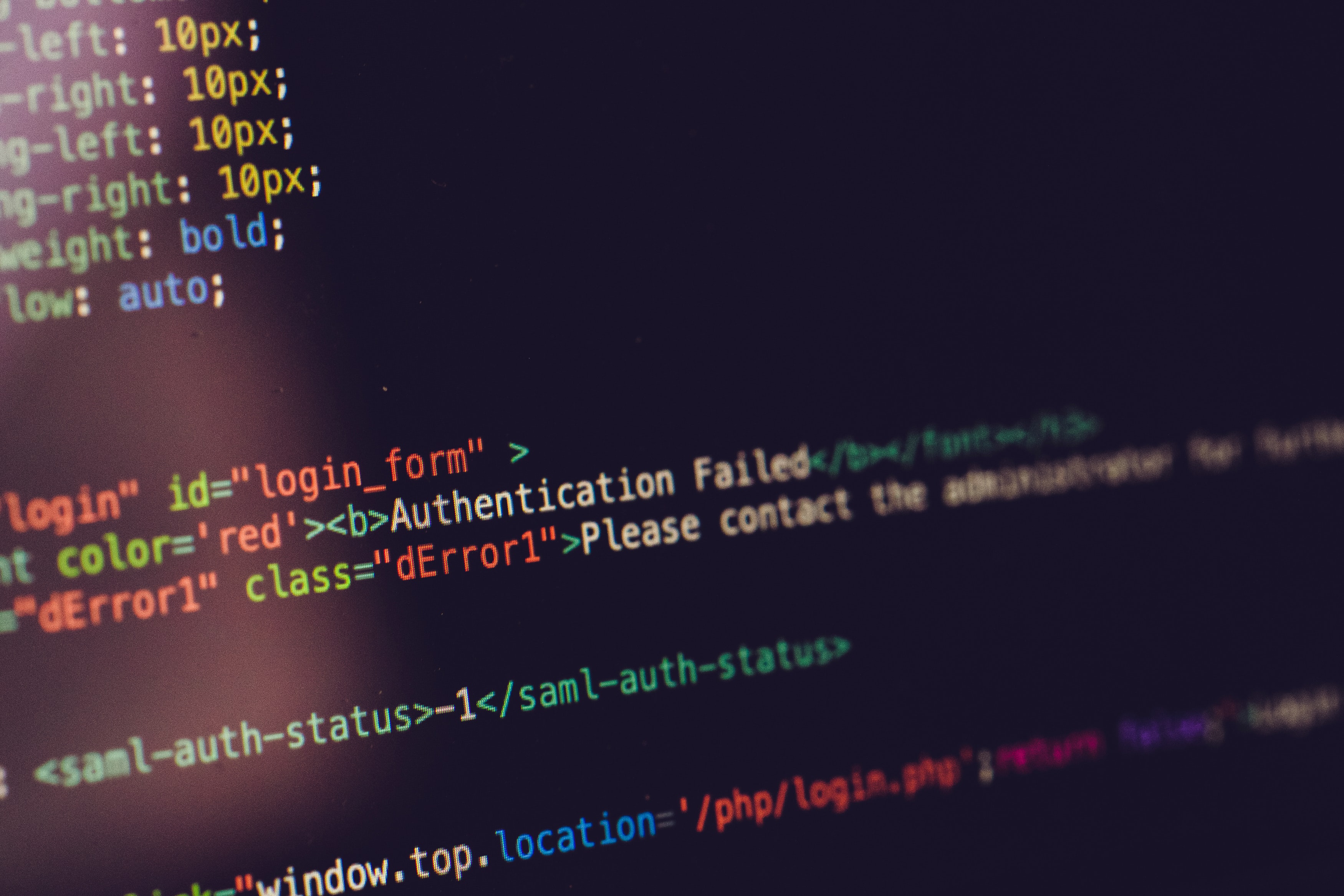
A syntax error occurs when a command is not written correctly. This can include a grammatical error, a misspelled word, a missing symbol, or a syntax error in your website's code.
This problem can break your website, leaving you with a blank page or an error message.
4. Logical (semantic) error
A logical bug—or semantic bug—is a piece of code that executes correctly but does not behave as you expected.
They occur when there is a flaw in the logic or structure of the problem. Unlike a program with syntax errors, a program with logical errors can be executed, but it does not work as expected.
Logical errors occur after the program is compiled and executed. These errors may indicate a design flaw in the program.
Here are a few examples of specific logical errors you may encounter:
- Multiply Instead of Dividing
- Add instead of subtract, and vice versa
- Display the wrong message
5. System-level integration bugs
System-level integration errors often occur when there is an error in the interaction between two different subsystems.
These types of software bugs are generally more difficult to fix because multiple software systems are involved. Two or more pieces of code written by different developers fail to interact with one another.
Examples of these bugs include byte-swapping errors, message parsing errors, and memory overflow errors.
6. Security
Security vulnerabilities are software flaws that allow hackers to gain unauthorized access to or control of a computer system.
These security vulnerabilities can arise from compromises in user authentication, access authorization, or data integrity and confidentiality.
Security bugs are generally the result of two main causes:
- Non-compliance with software requirements
- An error or omission in the requirements
7. Compatibility
This type of error has a negative impact on the software's performance when it is run on specific types of hardware, browsers, operating systems, etc.
Examples of compatibility bugs include:
- Changes to the User Interface
- Defects in the scroll bars
- Changes to CSS Style Rendering
- Content Alignment
- Text is unreadable due to font size issues
Errors in the Deployment Strategy
8. No soft launch or beta test
Technical errors must be corrected before the system goes live.
While companies naturally want to rush new offerings to market, it is invaluable to set aside time for a launch period with beta offerings.
A soft launch allows you to address any major issues before the official launch, which makes your first customers happier and helps you avoid negative reviews and press coverage.
9. Not closely monitoring performance after launch
IT deployments almost never go exactly as planned, so it’s crucial to know what happens after launch and to be prepared to deal with new developments.
For example, if there is more demand than expected for your product at launch, are you ready?
Have you tested your website to see if it can handle an increase in traffic? If you work with an external manufacturer, have you discussed with them what it would take to speed up the time to market for additional units?
Conversely, if demand is lower than expected, have you set aside a contingency budget for marketing? Have you planned to solicit customer feedback to find out what’s working and what isn’t?
10. Not deploying to production often enough
“If we perform production deployments frequently, we minimize the risk of human error or other issues (out-of-date scripts or ports, etc.) because the procedure is well-established.”
Benoît Huet – Director of Information Systems at Mr Suricate
Identifying performance issues starts with excellent software
At Mr Suricate, we protect our clients’ brand image and increase their revenue while ensuring a smooth user experience and detecting bugs both before and after deployment.
FAQ
What are the most common mistakes made during deployment?
Performance issues, functional bugs, syntax or logic errors, system integration bugs, security vulnerabilities, and compatibility issues. Most of these can be avoided with appropriate testing.
How Can You Avoid Errors During Deployment?
By systematically testing before each deployment—including functional, non-regression, performance, and security tests. Automating these tests allows them to be run with every release and helps detect issues early on.
Why are errors so costly in production?
Because a bug in production directly impacts users and revenue, and is much more expensive to fix than during the testing phase.
Further Reading
See also: The Page Object Pattern: A Structured Approach to Automated Testing with Mr Suricate, Webinar Recap | Green IT & RGESN: What Are the Impacts of Automation? ft. K-LAGAN and Green IT: The Best Solutions for Reducing the Digital Footprint.
Take it a step further: production monitoring.