
At a Glance: In a recent article, we reviewed the fundamental open-source testing frameworks Selenium, Playwright, and Cypress. This guide covers: Katalon—an all-in-one low-code tool with full-code capabilities; the advantages of Katalon; the disadvantages of Katalon; and the advantages of Leapwork.
In a recent article, we reviewed the fundamental open-source testing frameworks Selenium, Playwright, and Cypress.
In this article, we will compare several automated testingsolutions that are built on open-source frameworks but each have their own set of advantages and disadvantages.
Katalon, Leapwork, and Tricentis are three such solutions worth considering to help you confidently select the right technology stack for your automated testing.
Who is Mr Suricate
Before comparing Katalon, Leapwork, and Tricentis, it’s essential to introduce a no-code solution that significantly simplifies the automated testing process and is designed for non-technical users: Mr Suricate.
As its name suggests, Mr Suricate bugs by making it simple and accessible to run automated tests across multiple browsers and devices, ensuring a seamless user experience regardless of the device or browser used.
By combining a high-performance SaaS solution with top-quality support, Mr Suricate any employee to become a fully operational tester in less than a month.
With its intuitive interface, cross-browser and cross-device capabilities, and ease of use, Mr Suricate an ideal solution for companies looking to optimize their testing processes while reducing costs and complexity.
Katalon – An all-in-one low-code tool with full-code capabilities
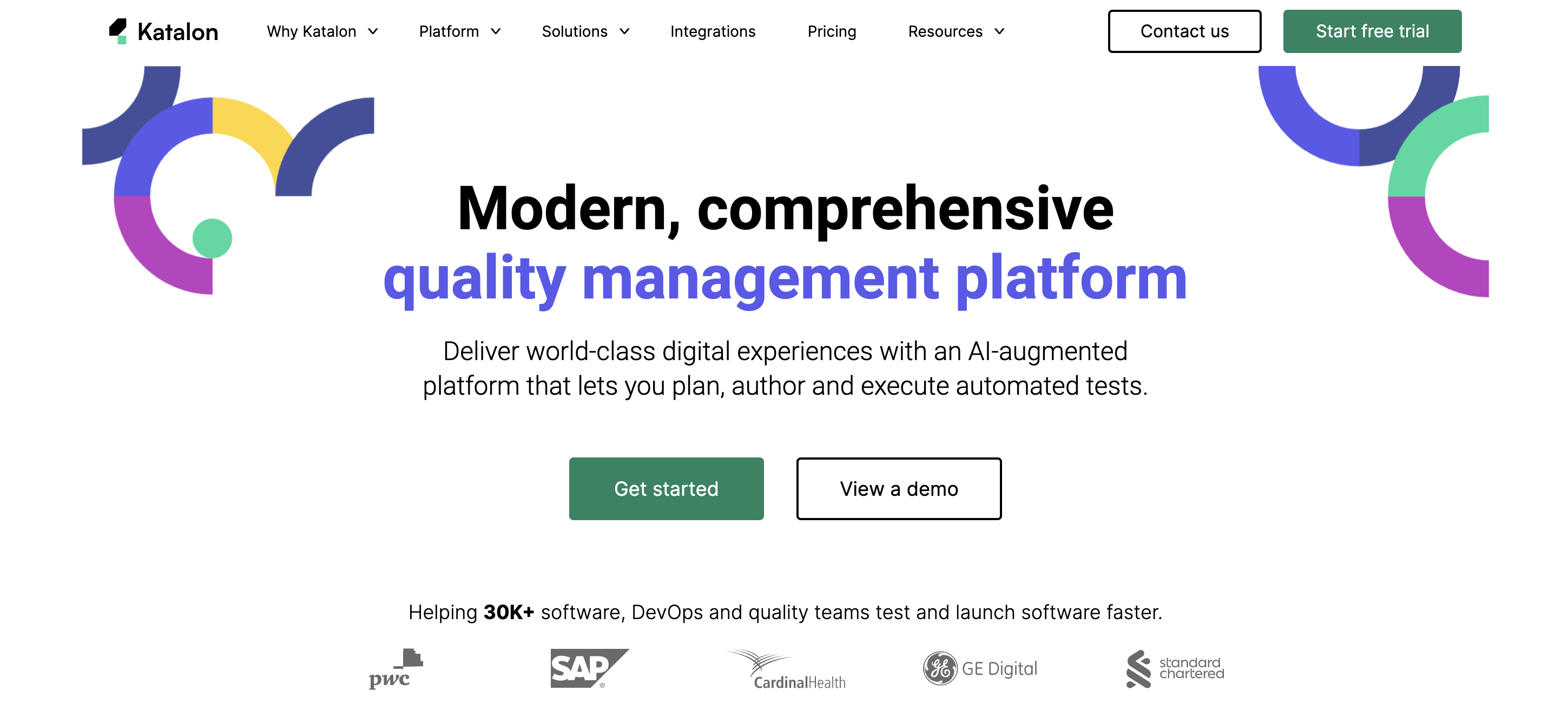
Katalon is an automated testing tool for web and mobile applications that was launched in 2016 with the goal of providing a simpler alternative to complex testing tools.
Built on the open-source automation frameworks Selenium and Appium, Katalon is an all-in-one solution for creating a variety of test scripts (backend APIs, frontend web applications, mobile applications, etc.) and centralizing everything in one place.
Katalon is known for being a powerful, versatile, and easy-to-use testing tool that requires no programming knowledge, allowing testers to easily create and run their automated tests for a wide range of test scenarios.
The solutions that make up the Katalon platform:
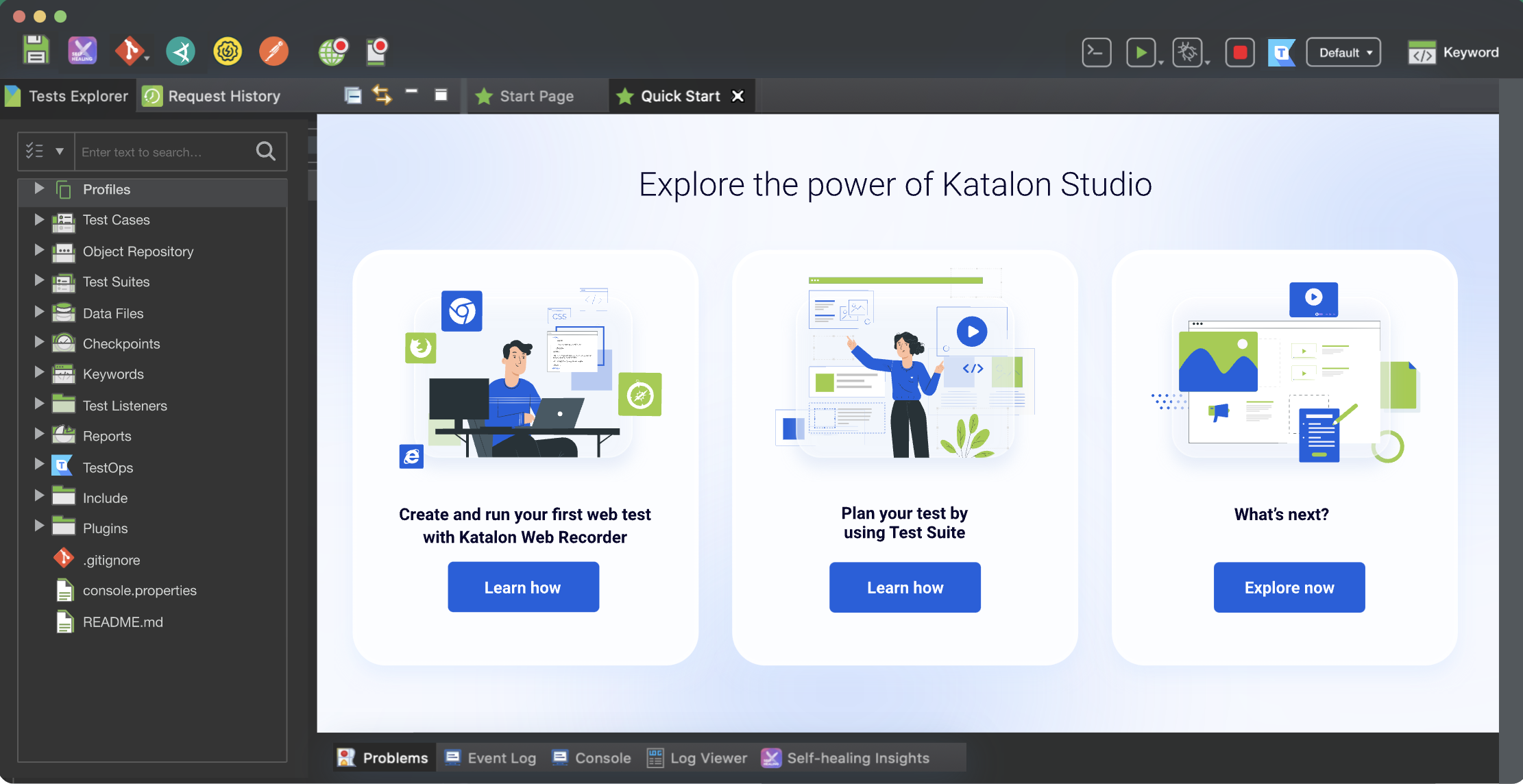
- Test Creation – Katalon Studio
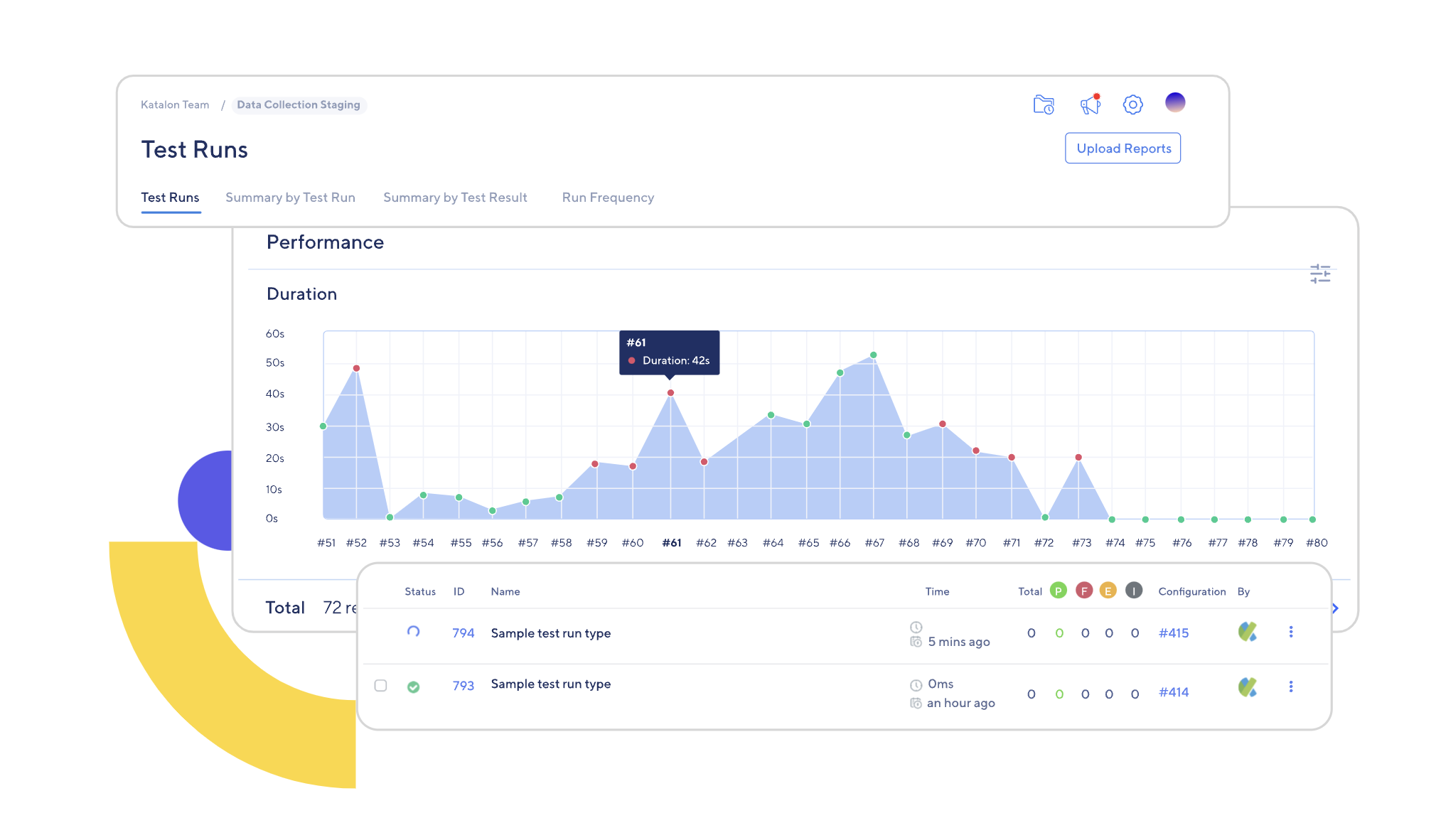
- Test Management and Reporting – Katalon TestOps
- Test Execution – Katlon TestCloud / Katlon Runtime Engine
- Applied Artificial Intelligence – Katlon AI Visual Testing
The Benefits of Katalon
✅ Easy to use
Katalon features an intuitive user experience that allows testers to create and run test cases without needing any programming skills.
✅ Cross-browser and cross-platform capabilities
Katalon supports cross-browser and cross-platform testing, making it a versatile tool for testing web and mobile applications.
✅ Speed
Automated and AI-enhanced testing enables testers to speed up test creation and shorten test cycle times.
Katalon also allows testers to run tests with multiple datasets at the same time, which saves a considerable amount of time.
✅ Integrates easily with other tools
Katalon integrates with development tools such as Git, Jenkins, and JIRA, making it easy to incorporate testing into a variety of workflows.
✅ Full visibility thanks to reporting and recording features
Katalon provides built-in reporting features with detailed reports on test results, making it easier to identify and fix bugs.
It also helps detect failures as soon as possible with real-time notifications, and Katalon’s recording and playback features make it easy to document real-world scenarios.
The Disadvantages of Katalon
❌ Limited scripting capabilities
Although Katalon has a visual interface that makes it easy to create test scripts, its scripting capabilities are limited.
❌ Limited device support
Katalon does not support testing on all devices, which may limit its use for certain applications.
❌ Limited customization
Katalon may not be suitable for complex test scenarios that require customization and extensive scripting.
❌ Performance issues with heavy loads
It is not uncommon for Katalon users to notice that the tool tends to crash when processing large test loads.
Leapwork – A hypervisual solution with cross-platform support
Leapwork is an automation testing platform that offers a range of features to help testers easily create and run automated tests.
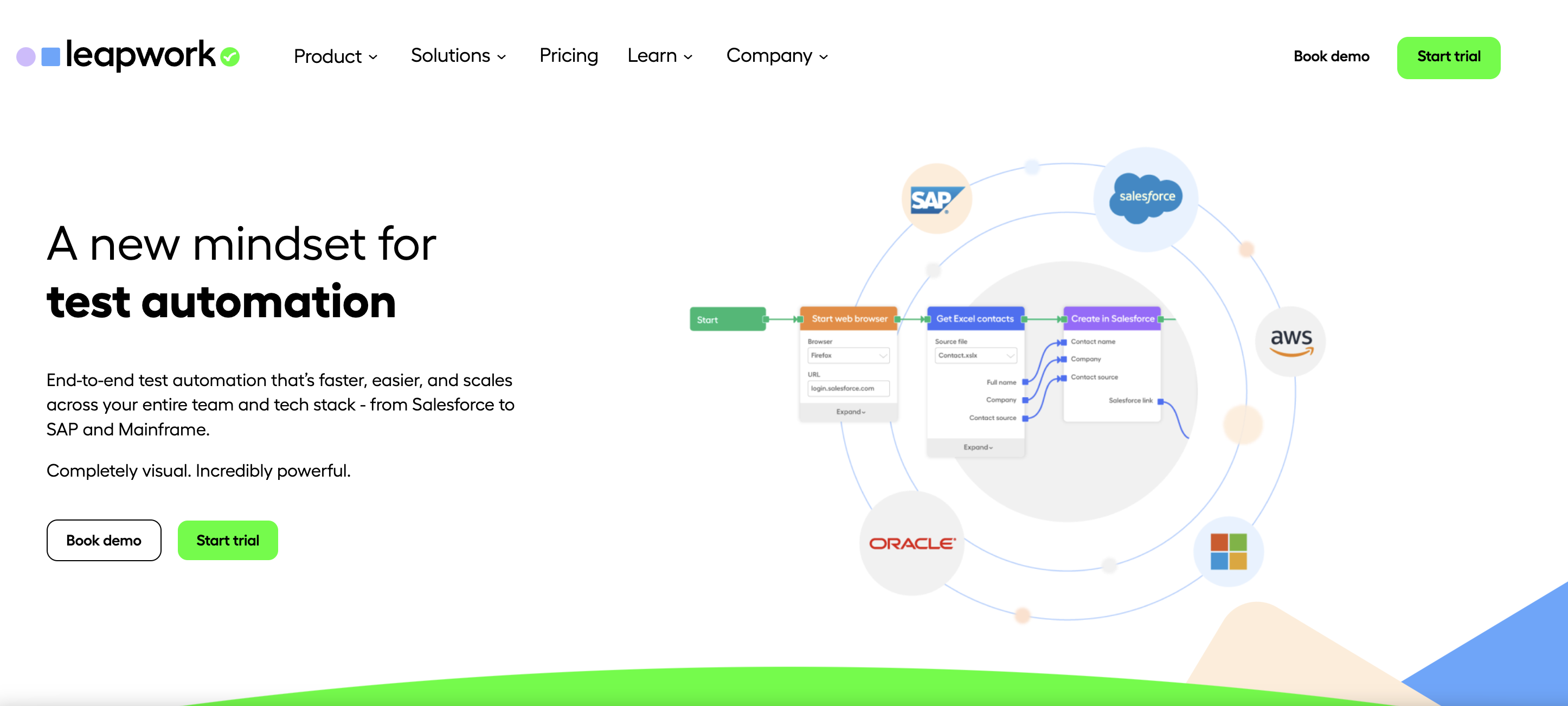
It is valued for its code-free interface, cross-platform support, and easy-to-understand graphical previews.
The Benefits of Leapwork
✅ Code-free hypervisual debugging
Leapwork offers a visual, no-code interface that allows testers to easily create, run, and debug automated tests without requiring any programming knowledge.
To quickly determine why a test failed, you can review the video recording, data-level information, or activity logs.
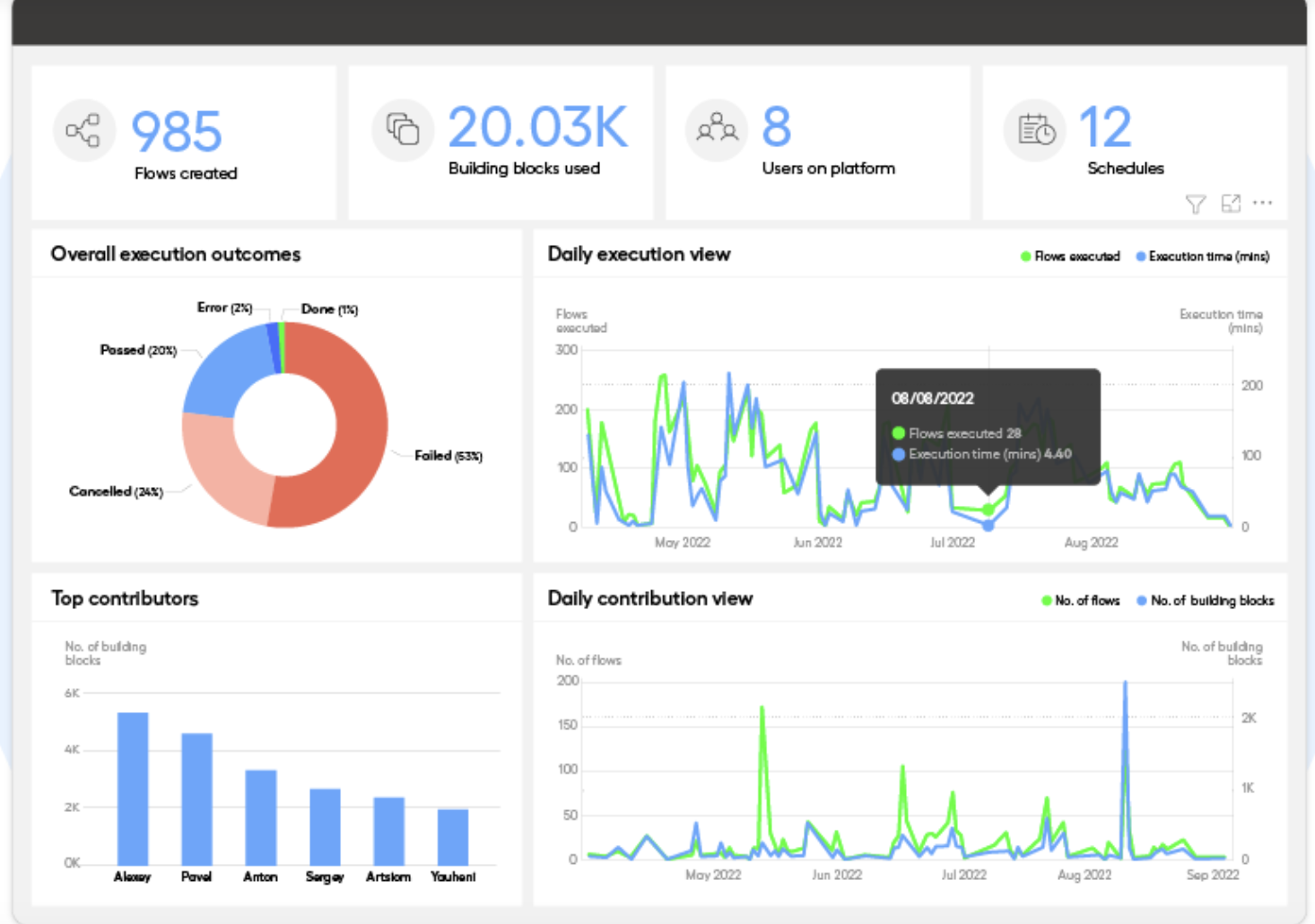
✅ Run tests in parallel
With Leapwork, you can run tests in parallel using Selenium Grid and cloud providers such as BrowserStack and Sauce Labs.
✅ Reusable components
Meticulous and repetitive tasks can be transformed into reusable sub-flows on Leapwork.
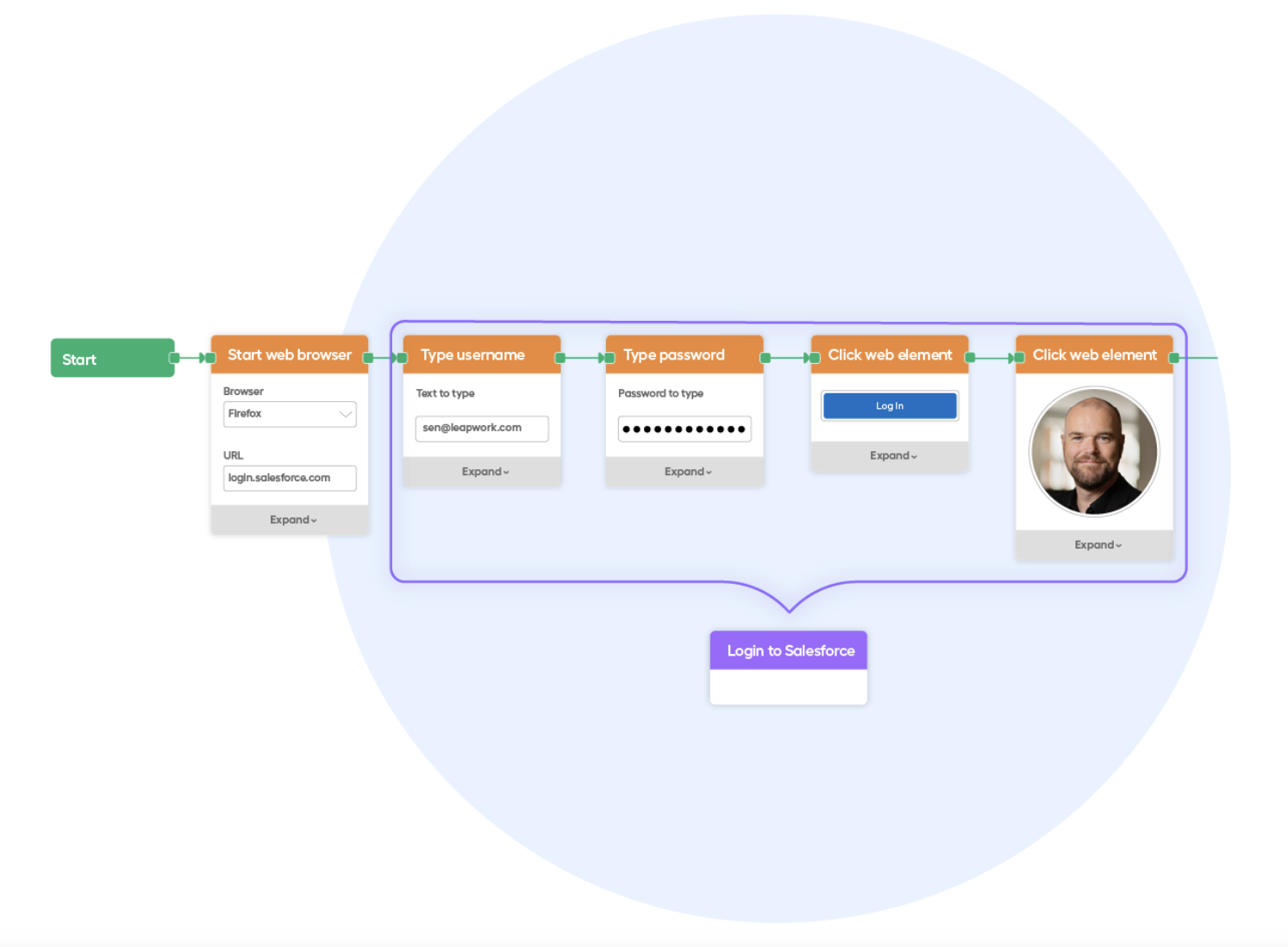
✅ Workflow Management
Workflow management capabilities make it easy to quickly see what work is in progress, what needs to be reviewed, and what has been approved by whom, which simplifies the management of workflows throughout their lifecycle.
✅ Cross-platform support
Leapwork provides cross-browser and cross-platform testing capabilities.
✅ Integration with other tools
Leapwork integrates with popular development tools such as JIRA, Jenkins, and Slack, making it easy to incorporate testing into development workflows.
The Drawbacks of Leapwork
❌ Limited customization
Leapwork's no-code interface may not be suitable for complex test scenarios that require customization and extensive scripting.
❌ Limited device support
Leapwork does not support testing on all devices, which may limit its use for certain applications.
Tricentis – A model-based platform that prioritizes speed
Tricentis is a continuous testing platform for enterprise applications that supports a wide range of testing activities, including functional testing, performance testing, and security testing.
Tricentis is best known for its model-driven testing approach, which uses visual modeling to enable testers to create reusable test cases that can be applied to different applications and environments.
Tricentis offers a full suite of products to support all types of testing:
- Tosca – Enterprise Test Automation
- qTest – Management and Analysis
- Test Management for Jira
- NeoLoad – Performance Testing
- Data Integrity – End-to-End Data Testing
- LiveCompare – SAP “Change Intelligence”
- Vera – Numerical Validation
- Test Automation – SaaS Applications
- Test Automation for Salesforce
- Test Automation for ServiceNow
- Testim – Custom Web Application Testing
The Benefits of Tricentis
✅ Model-based testing
Tricentis uses a model-based testing approach that helps testers efficiently create and maintain test cases.
✅ Comprehensive testing capabilities
Tricentis supports a wide range of testing activities, including functional testing, performance testing, and security testing.
✅ Integration with other tools
Tricentis offers integrations with popular development tools such as JIRA and Jenkins.
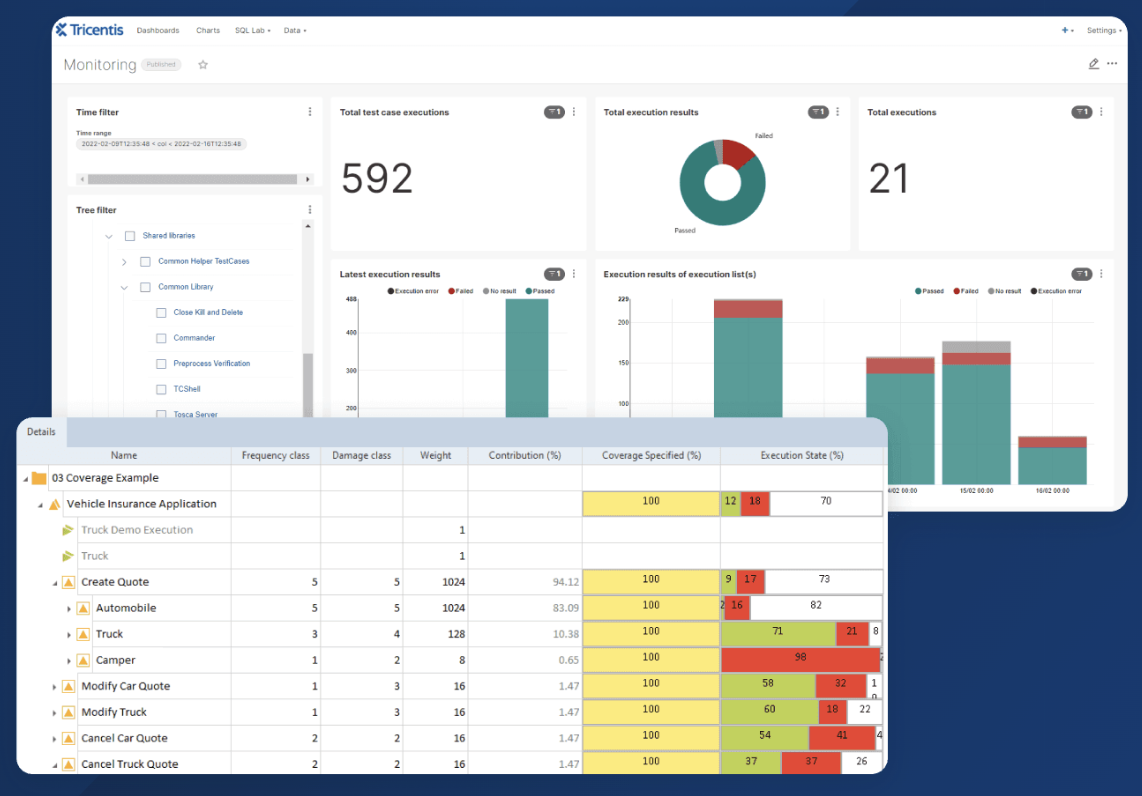
✅ Advanced reports and analytics
Tricentis provides advanced reporting and analytics capabilities, enabling users to monitor and analyze test results in real time.
✅ Scalability
Tricentis is designed to be scalable, making it suitable for organizations of all sizes.
The Disadvantages of Tricentis
❌ Learning curve
Although Tricentis provides comprehensive support, it is a complex testing platform, which means it can be more difficult to set up and use.
❌ Limited customization
Tricentis may not be suitable for test scenarios that require customization and advanced scripting.
❌ Limited device support
Tricentis does not support testing on all devices, which may limit its use for certain applications.
Key Similarities and Differences Between Katalon, Leapwork, and Tricentis
UX
Both Katalon and Tricentis have user interfaces that are easy to navigate and use.
Leapwork, on the other hand, uses a flowchart-based interface that can take some time to get used to (even though it’s no-code and very visual).
Programming language
Katalon and Tricentis both use programming languages such as Java and Groovy to create test scripts, while Leapwork uses a visual, no-code language that does not require any programming knowledge.
Cross-platform capabilities
Katalon and Tricentis support a wide range of platforms, including web, mobile, and desktop applications, while Leapwork focuses primarily on web and desktop applications.
Integration
Both Katalon and Tricentis offer integrations with various tools, such as JIRA and Jenkins, making it easy to integrate them into your existing workflow.
Leapwork also has integrations, but they are limited compared to Katalon and Tricentis.
Pricing
Katalon offers a free version and a paid version with additional features, while Tricentis and Leapwork are both enterprise-level tools with pricing plans that vary depending on the number of users and the features required.
In conclusion—which one should you choose?
Given the various features and capabilities when comparing Katalon, Leapwork, and Tricentis, it is essential to carefully consider the project’s needs and the team’s strengths before making a decision.
There are other no-code alternatives available for non-technical users. Try Mr Suricate An automated testing solution for multiple browsers and devices
The no-code solution for automated cross-browser and cross-device testing from Mr Suricate lets you easily test applications and websites across different browsers, operating systems, and mobile platforms.
In addition to combining the benefits of other solutions, Mr Suricate greatest added value Mr Suricate pairing its SaaS solution with high-quality service and enabling non-IT professionals to become testers in less than a month.
With Mr Suricate, you don't need to know how to code or spend a fortune to ensure your users have a smooth, bug-free browsing experience—no matter how they access your site!
Further Reading
- Software Selection and Reviews – Frameworks: Selenium vs. Playwright vs. Cypress
- Software Testing in 2026: Trends Redefining Quality
- 2025 Comparison: Leapwork vs. Cypress vs. Smartbear – Which Automated Testing Tool Should You Choose?
- The no-code script editor
- Test Reporting and Analytics
- Integration into Your CI/CD Pipeline
- Katalon vs. Mr Suricate: A Comparison
- Tricentis Tosca vs. Mr Suricate: A Comparison
- Selenium, Cypress, or Mr Suricate: A Comparison
- Leapwork vs. Mr Suricate: A Comparison
FAQ
Katalon, Leapwork, or Tricentis: Which One Should You Choose?
It depends on your situation. Katalon for a technical team on a tight budget, Leapwork to make testing accessible to non-technical users, and Tricentis for a large enterprise with complex environments. If you're looking for simplicity without coding, an all-in-one no-code solution will be the easiest option.
Is Katalon really free?
Katalon offers a free version that's sufficient to get started, but advanced features and support are available only through paid plans. The true cost is primarily measured by the time required to maintain the scripts as the number of tests increases.
Is Leapwork suitable for non-technical teams?
Yes, that's its strength: a visual, no-code approach that allows business users to create tests. The main drawback is the cost, which rises rapidly as the number of tests and users increases.
Is Tricentis suitable for small and medium-sized businesses?
Tricentis is designed for large enterprises and complex environments. For an SME, the learning curve and cost are often disproportionate to the actual need.
Is there a simpler no-code alternative?
Yes. Mr Suricate no-code test automation, combining testing and monitoring in a single tool, with a fixed price and dedicated support, tailored to both business and technical teams, from small and medium-sized businesses to large enterprises.
Learn more: our comparison of automated testing tools.