
In a nutshell: Selenium, Playwright, and Cypress are three open-source automated testing frameworks. Selenium is the long-standing industry standard—highly compatible but more resource-intensive; Playwright, developed by Microsoft, is modern, fast, and reliable; Cypress is simple and designed for front-end end-to-end testing. This comparison details the architecture, advantages, and limitations of each to help you choose the right one based on your tech stack and skill set.
Automated testing has become an essential part of modern software development practices, helping to ensure that applications are reliable, functional, and perform as expected.
Of course, automated testing wouldn't be possible without an automated testing framework, but with so many different testing tools and frameworks available today, choosing the one that best suits your company's needs is no easy task.
Until recently, Selenium had a monopoly on the open-source testing tools market.
However, new open-source test automation frameworks such as Cypress and Playwright have recently provided serious competition for Selenium, and each of these three tools has its own advantages and disadvantages that must be taken into account.
In this article, we'll compare Selenium, Playwright, and Cypress so you can make a more informed decision about which one makes the most sense for testing your software.
To be open source or not to be—that is the question
Before comparing Selenium, Playwright, and Cypress—open-source testing solutions known for their complexity— it’s important to remember that there’s another option: no-code tools.
Among these alternatives, Mr Suricate stands out as an ideal no-code automated testing solution for non-technical users.
It makes it easy to run and analyze your cross-browser and cross-device tests to ensure a smooth, bug-free user experience.
This solution offers a convenient way to automate your testing while maintaining a high level of quality. It’s the perfect option for companies looking to save time, reduce costs, and optimize their processes with minimal friction.
Selenium – the industry's de facto testing tool
Launched in 2004, Selenium is an open-source testing tool used to test web applications on a variety of platforms and browsers.
Selenium is widely used for testing web applications. It has become the de facto standard in the industry thanks to its versatility and long history.
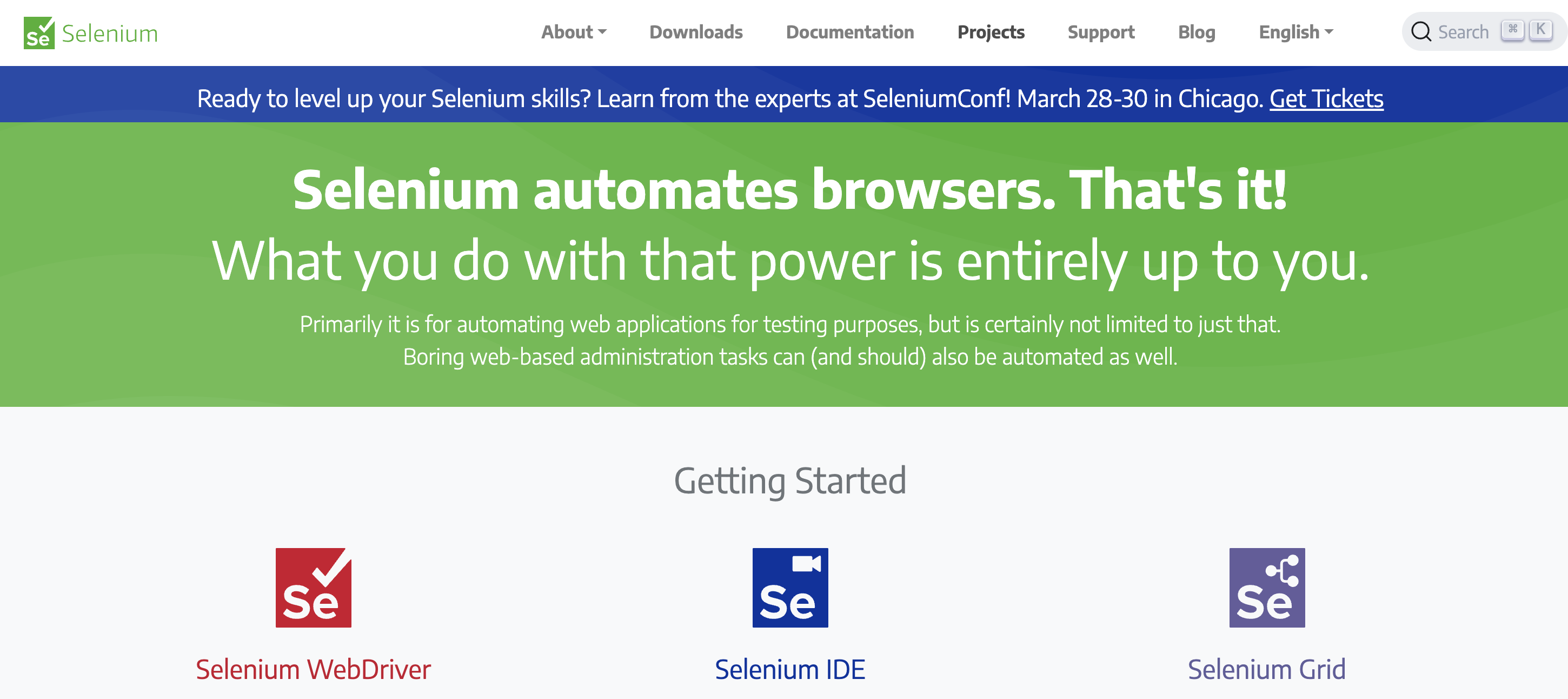
Selenium consists of three main open-source “projects”:
Selenium WebDriver: Allows you to create robust browser-based regression automation tests and test suites.
Selenium IDE: Allows you to create scripts for quickly reproducing bugs and facilitates exploratory testing through automation.
Selenium Grid: Allows you to run tests on multiple machines and manage multiple environments from a central location.
The Benefits of Selenium
✅ Cross-browser compatibility
Selenium supports several browsers, such as Chrome, Firefox, Safari, Internet Explorer, and Edge, allowing testers to write a single script and run it across multiple browsers.
✅ Cross-platform support
Selenium supports several operating systems, such as Windows, Mac OS, and Linux, making it a versatile testing tool.
✅ Support for multiple programming languages
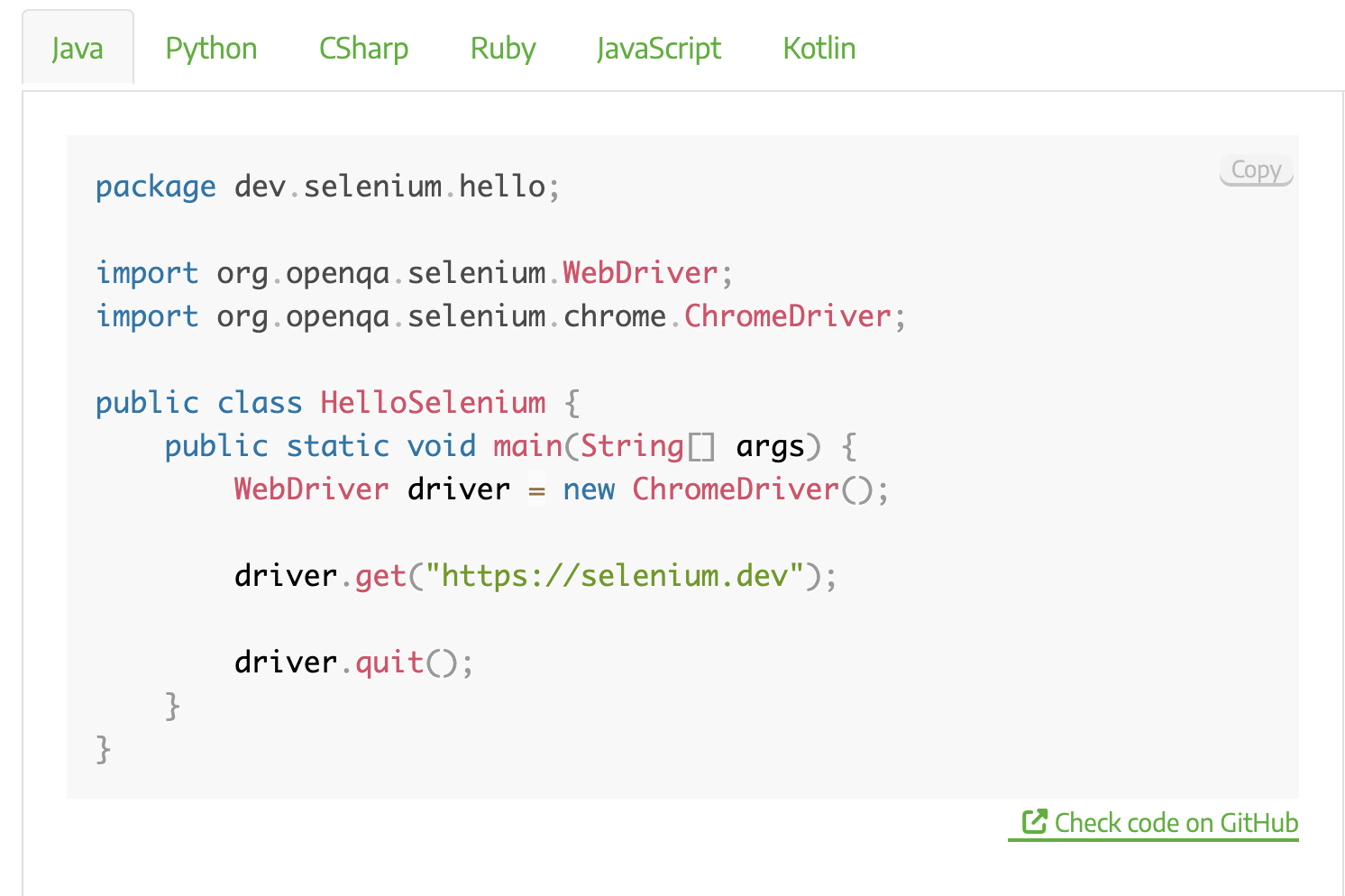
Selenium supports several programming languages, such as Java, Python, C#, and Ruby, allowing developers to easily integrate Selenium into their preferred programming environment.
✅ Easy integration with other tools
Selenium can be easily integrated with other tools such as TestNG, JUnit, Maven, etc., to enhance its functionality.
✅ Support for parallel testing
Selenium supports parallel testing, which allows testers to run multiple tests simultaneously, thereby reducing the overall testing time.
The Drawbacks of Selenium
❌ A complex installation
Installing and configuring Selenium can be time-consuming, especially for non-technical users.
❌ Lack of detailed reporting
Selenium does not have robust reporting capabilities, which can make it difficult to track test results and identify defects.
Playwright – A modern and reliable testing tool from Microsoft
Playwright is an open-source automation framework for end-to-end testing that has been steadily gaining popularity since its initial release by Microsoft in 2019.
The Benefits of Playwright
✅ An API for any browser or platform
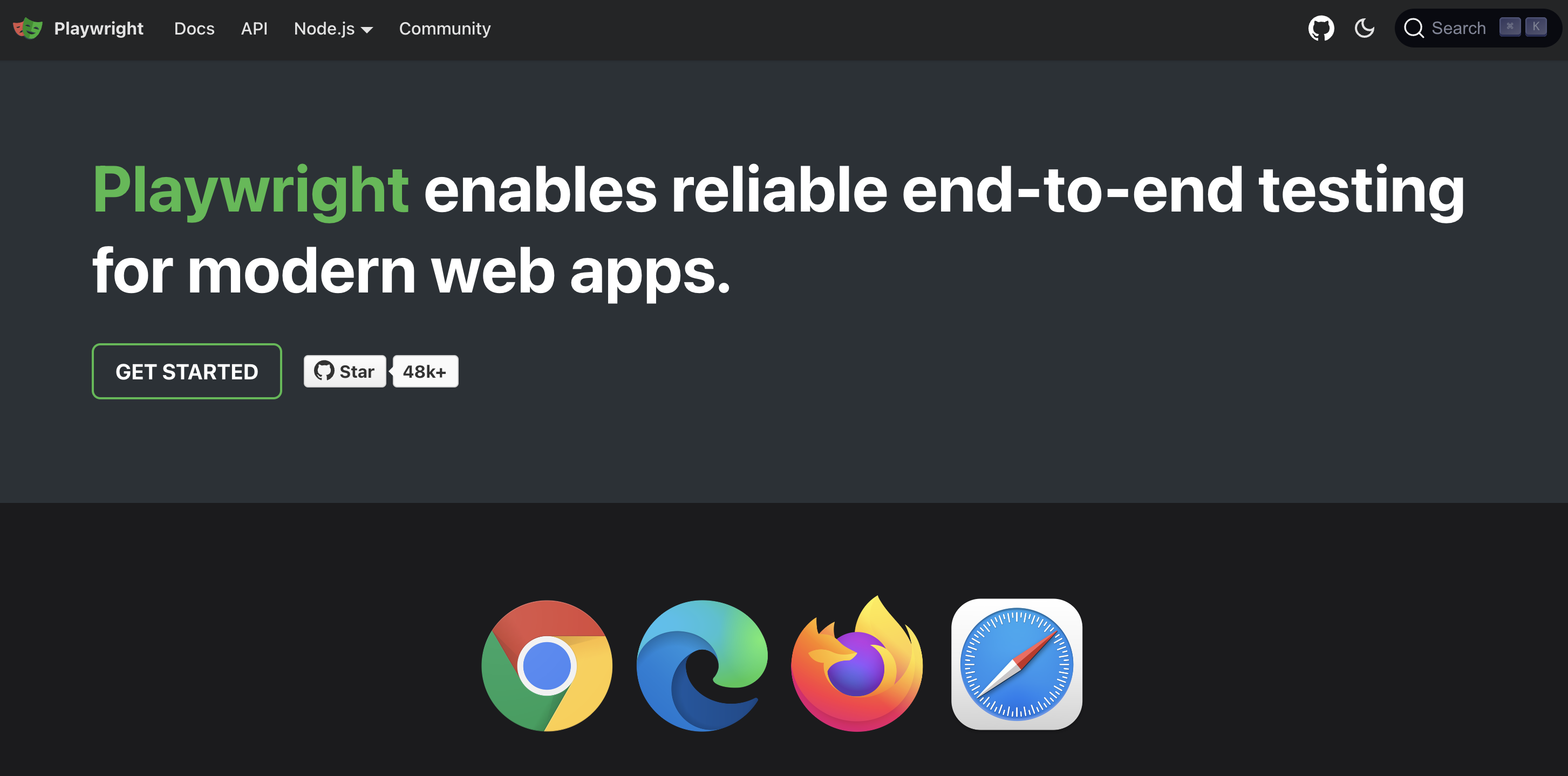
Playwright supports all modern rendering engines, including Chromium, Firefox, and WebKit.
It also supports Windows, Linux, and macOS, as well as Google Chrome's native mobile emulation for Android and Mobile Safari.
✅ Support for multiple programming languages
Playwright supports several programming languages, such as JavaScript, TypeScript, and Python.
✅ Easy installation and setup
Playwright has a simple installation process, and the API is easy to configure, making it more accessible to non-technical users.
✅ Robust reporting
Playwright provides a built-in test reporting feature that generates detailed reports of test results, making it easier to identify defects and track progress.
✅ Running a single test case
Each test run by Playwright has a unique browser context.
✅ Comes with a powerful toolkit
Playwright comes with tools such as Codegen, Playwright Inspector, and Trace Viewer.
Codegen: With Codegen, you can record test cases and save them in any language (JavaScript, Python, .NET, Java, TypeScript).
Playwright Inspector: Allows you to inspect a page, view click points, and explore execution logs.
Trace Viewer: Allows you to capture all the information needed to investigate a test failure.
✅ Speed
Playwright is faster than other testing tools, with faster test execution times and improved debugging capabilities.
The Disadvantages of Playwright
❌ Limited community support
Playwright is a relatively new tool, and as such, it has a smaller community of users and developers compared to more established testing tools like Selenium.
❌ Lack of flexibility
Playwright has a fixed structure that limits its flexibility, making it difficult to customize for specific testing needs.
Cypress – a powerful and streamlined end-to-end testing tool
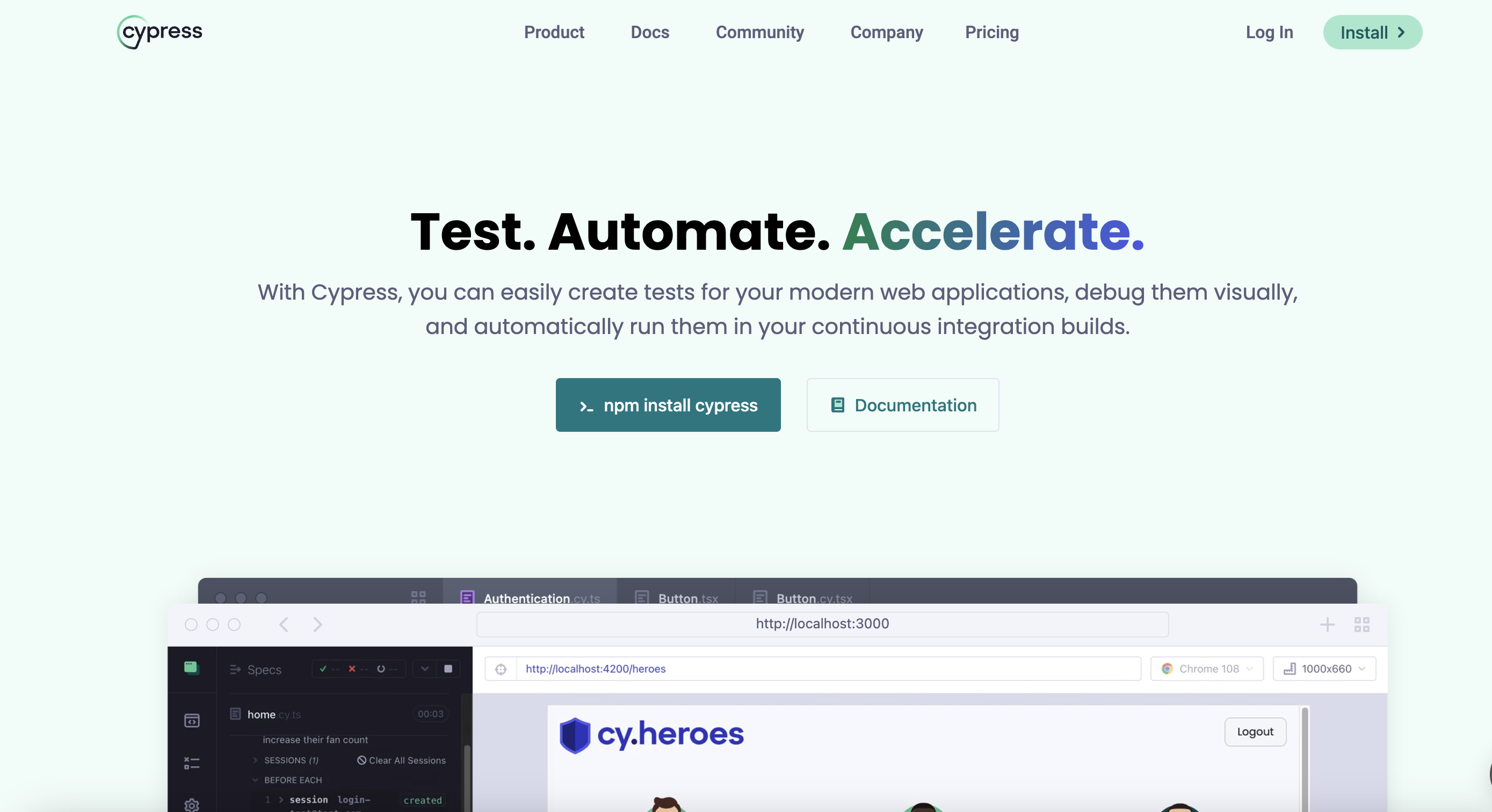
Cypress is a robust, JavaScript-based end-to-end testing tool that was launched in 2014. It is designed to simplify the testing process for developers.
There are no servers or other dependencies to install or configure.
Benefits of Cypress
✅ Automatic wait and retry
Cypress automatically waits for elements to appear on the page and retries failed tests, thereby reducing the need for manual intervention.
✅ Fast test execution
Cypress's unique architecture runs tests in the same environment as the application, resulting in faster test execution times.
✅ Real-time recharging
Cypress provides real-time reloading, which means developers can make changes to the application code and see the results immediately in the Cypress tester.
✅ Debug directly in the browser
Cypress allows developers to easily debug their tests using Chrome Developer Tools.
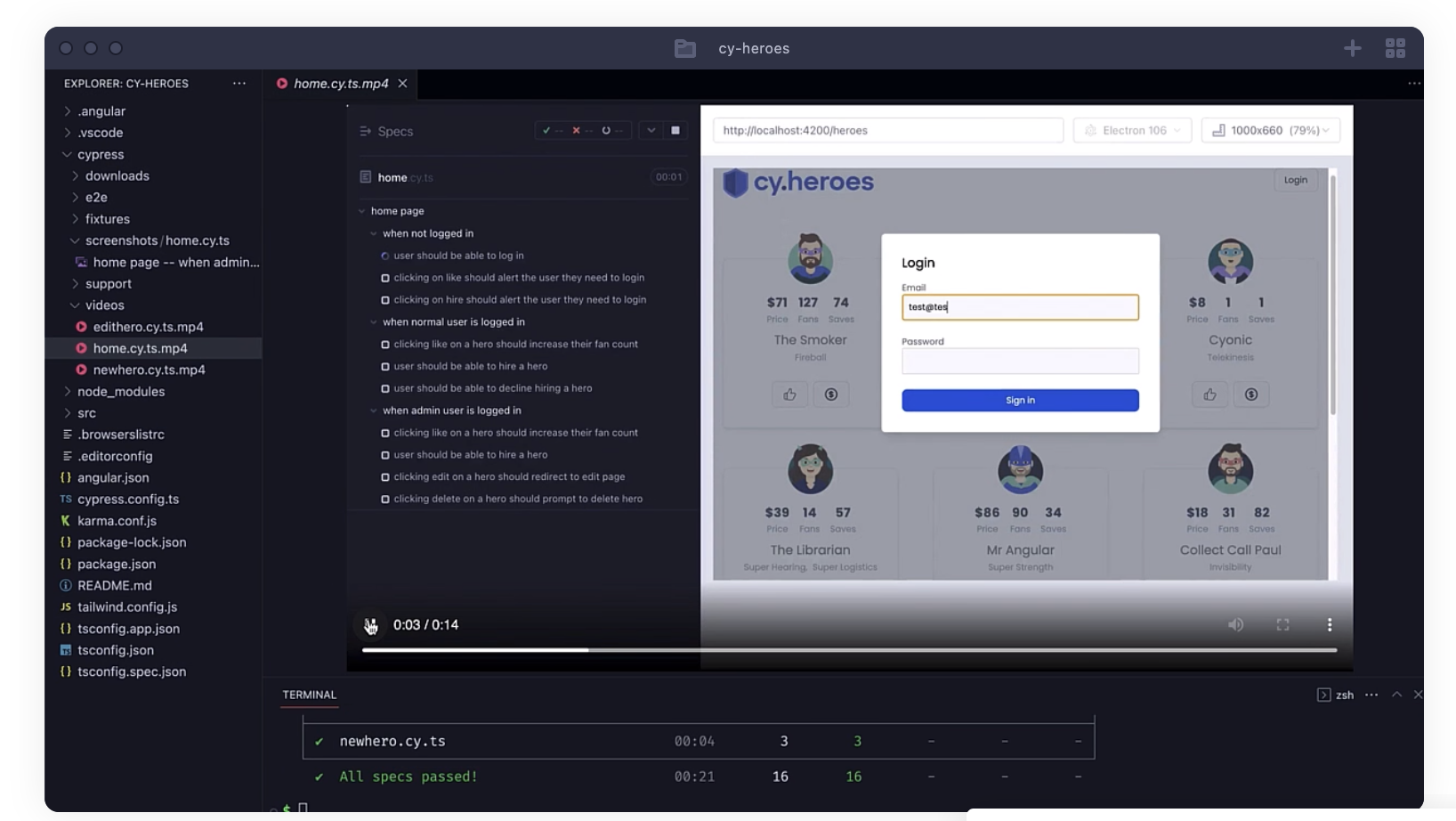
✅ Automatic screenshots and videos
Cypress automatically takes screenshots and records videos of the tests, making it easier to identify and fix errors.
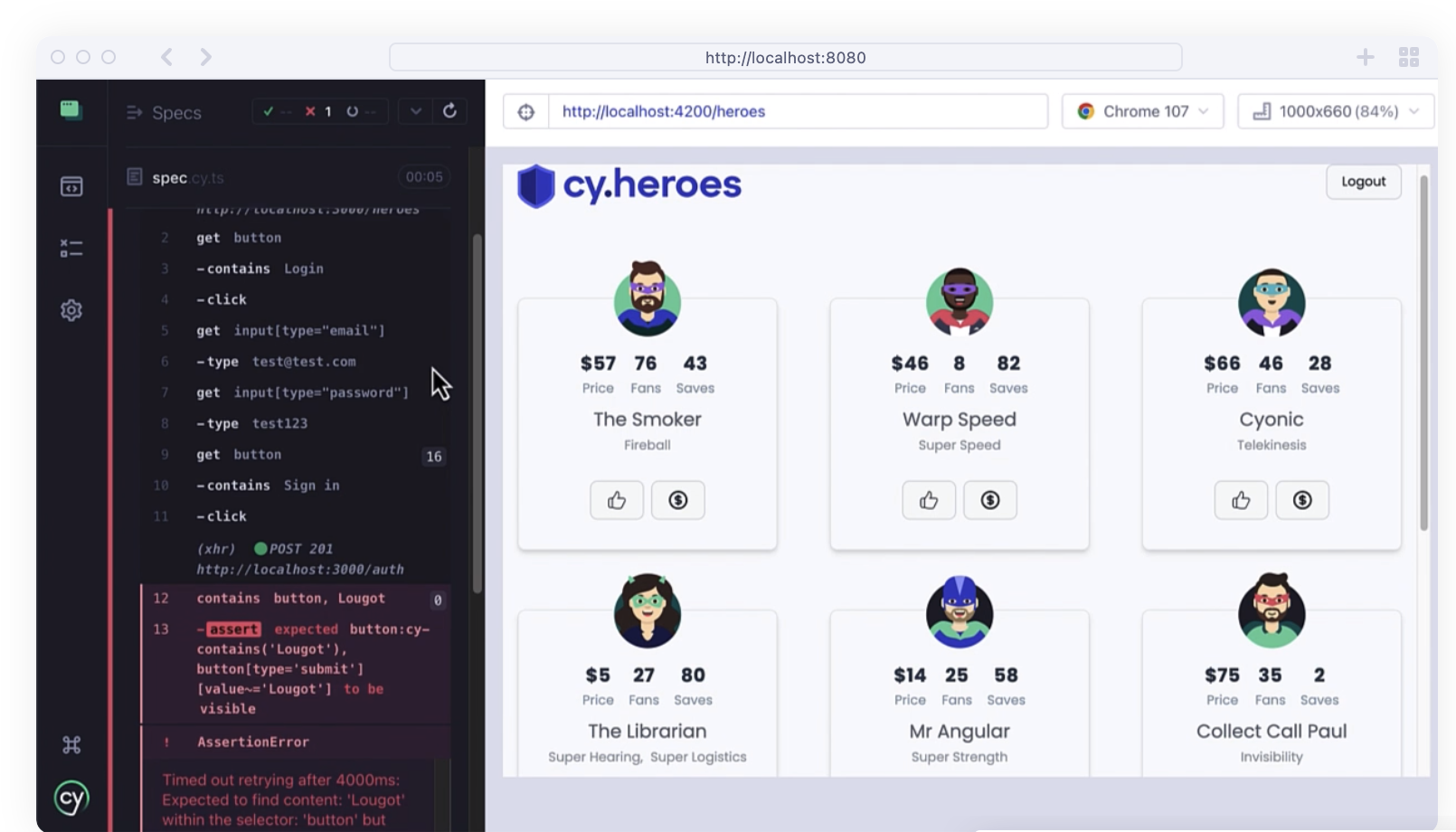
✅ Time Travel
Cypress lets you travel through time to view your app's state, making it easy to see what your app looks like at any point during your tests.
The Disadvantages of Cypress
❌ Limited browser support
Cypress does not support Safari (it only supports Chrome, Edge, and Firefox), which may be limiting for some developers and testers.
❌ Lack of flexibility
Cypress has a fixed structure that limits its flexibility, making it difficult to customize for specific testing needs.
Key Similarities and Differences Between Selenium, Playwright, and Cypress
Architecture
Selenium uses a remote control architecture, in which the test script communicates with a separate Selenium server that controls the browser.
Cypress and Playwright use a browser-direct architecture, in which the test script interacts directly with the browser.
Compatible browsers
Selenium supports a wide range of browsers, including Chrome, Firefox, Safari, Internet Explorer, and Edge.
Cypress only supports Chrome and Chromium browsers.
Playwright, on the other hand, supports Chromium, Firefox, and WebKit.
Waiting Strategies
Cypress and Playwright use automatic waiting strategies, which means they automatically wait for elements to be ready before performing actions on them.
Selenium requires that explicit wait statements be added to the test script.
Debugging
Cypress provides an easy-to-use debugging feature that allows developers to debug their tests using Chrome DevTools.
Selenium and Playwright also support debugging, but require configuration.
Programming Languages
Selenium supports several programming languages, such as Java, Python, C#, and Ruby.
Cypress and Playwright are both based on JavaScript and support only JavaScript and TypeScript.
Community
Selenium has been around for nearly 20 years and has a large community of developers.
Cypress and Playwright are newer and have smaller communities, but they are growing rapidly.
Speed
Playwright is known for its speed and performance because it is built on the latest web technologies.
Cypress is also fast, but it is designed more for ease of use than for raw speed.
Selenium is generally slower than Cypress and Playwright.
Ease of use
Cypress and Playwright are both designed to be easy for developers to use and to simplify the testing process.
Selenium, on the other hand, is more flexible and can be used for a wide range of testing scenarios, but generally requires more configuration and technical expertise.
Maintenance Challenges
All of these tools require regular updates and maintenance to keep pace with advances in browser technology and web application development.
Price
Selenium, Playwright, and Cypress are all free, open-source testing tools.
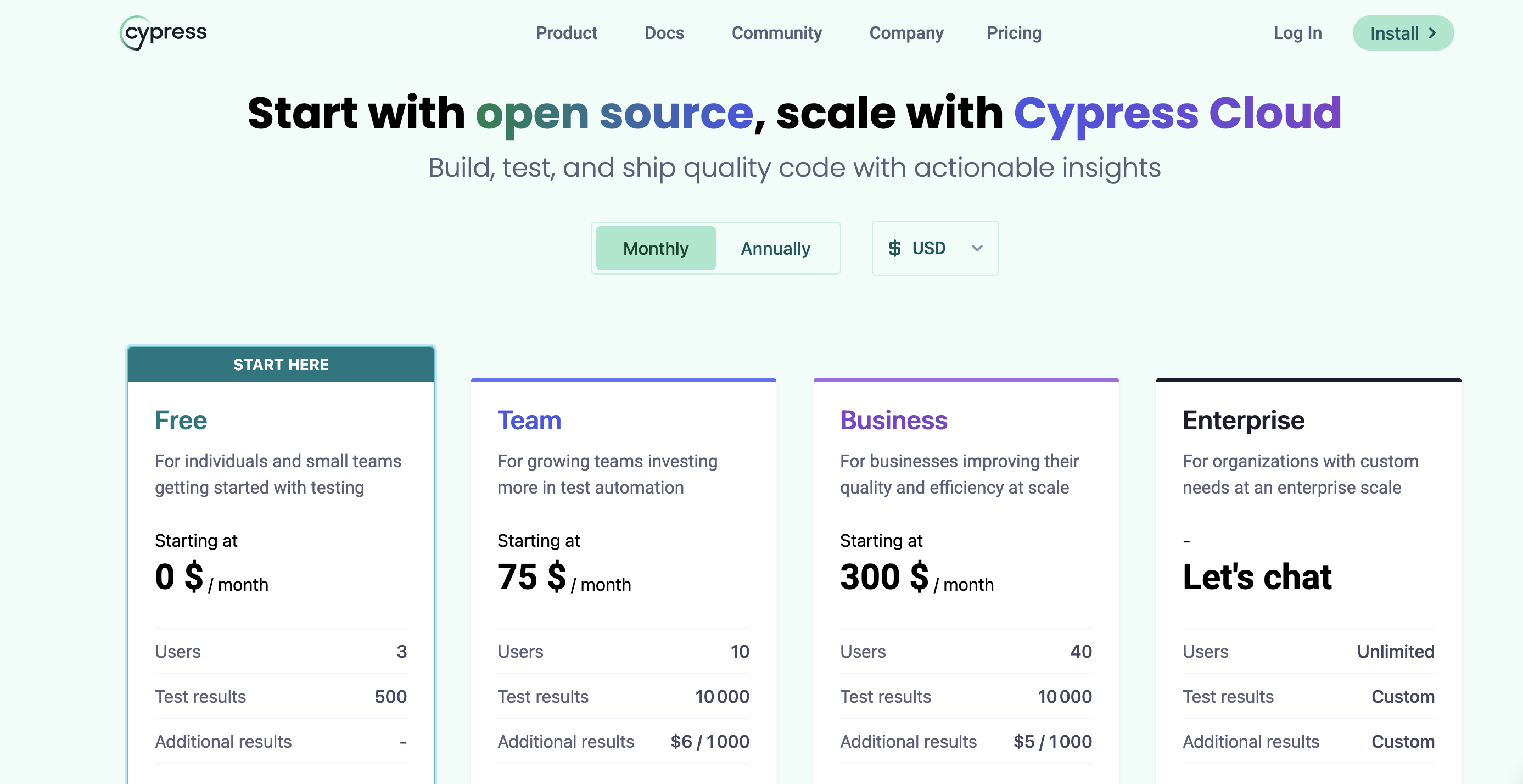
However, there is a paid version of Cypress called “Cypress Cloud,” which provides additional features such as test parallelization and other test-related information.
In conclusion—which one should you choose?
Although Selenium, Playwright, and Cypress each have distinct architectures, user bases, and objectives, it is up to testing teams to decide which tool is best suited for their project and skill set.
Given the different features and capabilities when comparing Playwright, Selenium, and Cypress, it is essential to carefully consider the project’s needs and the team’s strengths before making a decision.
There are other, less complex, no-code alternatives available for non-technical users. Try Mr Suricate An automated testing solution for multiple browsers and devices
Mr Suricate 's no-code solution for automated cross-browser and cross-device testing allows Mr Suricate to easily test applications and websites across different browsers, operating systems, and mobile platforms.
With Mr Suricate, you don't need to know how to code or spend a fortune to ensure your users have a smooth, bug-free browsing experience—no matter how they access your site!
FAQ
Selenium, Playwright, or Cypress: Which One Should You Choose?
Selenium for maximum compatibility and large ecosystems, Playwright for speed and reliability with modern applications, and Cypress for simplicity and the front-end developer experience. The choice depends on your tech stack and the team’s technical expertise.
Are these frameworks free?
Yes, Selenium, Playwright, and Cypress are open source and free. The real cost lies in the development skills required and the maintenance of the scripts, which becomes more burdensome as the application evolves.
Do you need to know how to code to use them?
Yes, these three frameworks require writing and maintaining test code. For business or product teams without development skills, a no-code solution significantly lowers the barrier to entry and reduces maintenance.
Further Reading
See also: Visual Regression Testing: Ensure a Seamless User Experience.
Learn more: our comparison of automated testing tools.