
In short: To test and monitor your web and mobile applications, the best tools are Mr Suricate (no-codeautomated testing, the French market leader), Dynatrace, and Datadog (AI-powered applicationmonitoring ), along with other observability solutions. The challenge: detecting crashes, slowdowns, and bugs before your users do. This comparison details the advantages and limitations of each tool to ensure performance and user experience under real-world conditions.
The performance and reliability of web and mobile applications are crucial for ensuring an optimal user experience.
However, a critical challenge lies in the fact that even a well-designed application can encounter performance issues, crash unexpectedly, or slow down under real-world usage conditions.
The value of application monitoring tools lies in their ability to test and monitor applications in order to quickly detect bugs and prevent small problems from turning into major issues. We’re talking here about application monitoring and observability: continuously monitoring the actual behavior of your applications in production. This has nothing to do with audience tracking or logistics traceability.
The stakes are quantifiable. According to the 2024 ITIC annual survey, which polled more than 1,000 companies worldwide, one hour of downtime costs more than $300,000 for over 90% of medium and large companies, and between $1 million and more than $5 million for 41% of them.
In this article, we present the top 5 application monitoring tools for testing and monitoring your web and mobile applications, detailing their features, advantages, and disadvantages to help you choose the tool that best suits your needs.
Our selection combines the usage patterns we've observed among our customers with reviews published on independent marketplaces, including Gartner Peer Insights and G2.
1. Mr Suricate France’s leader in no-code automated testing
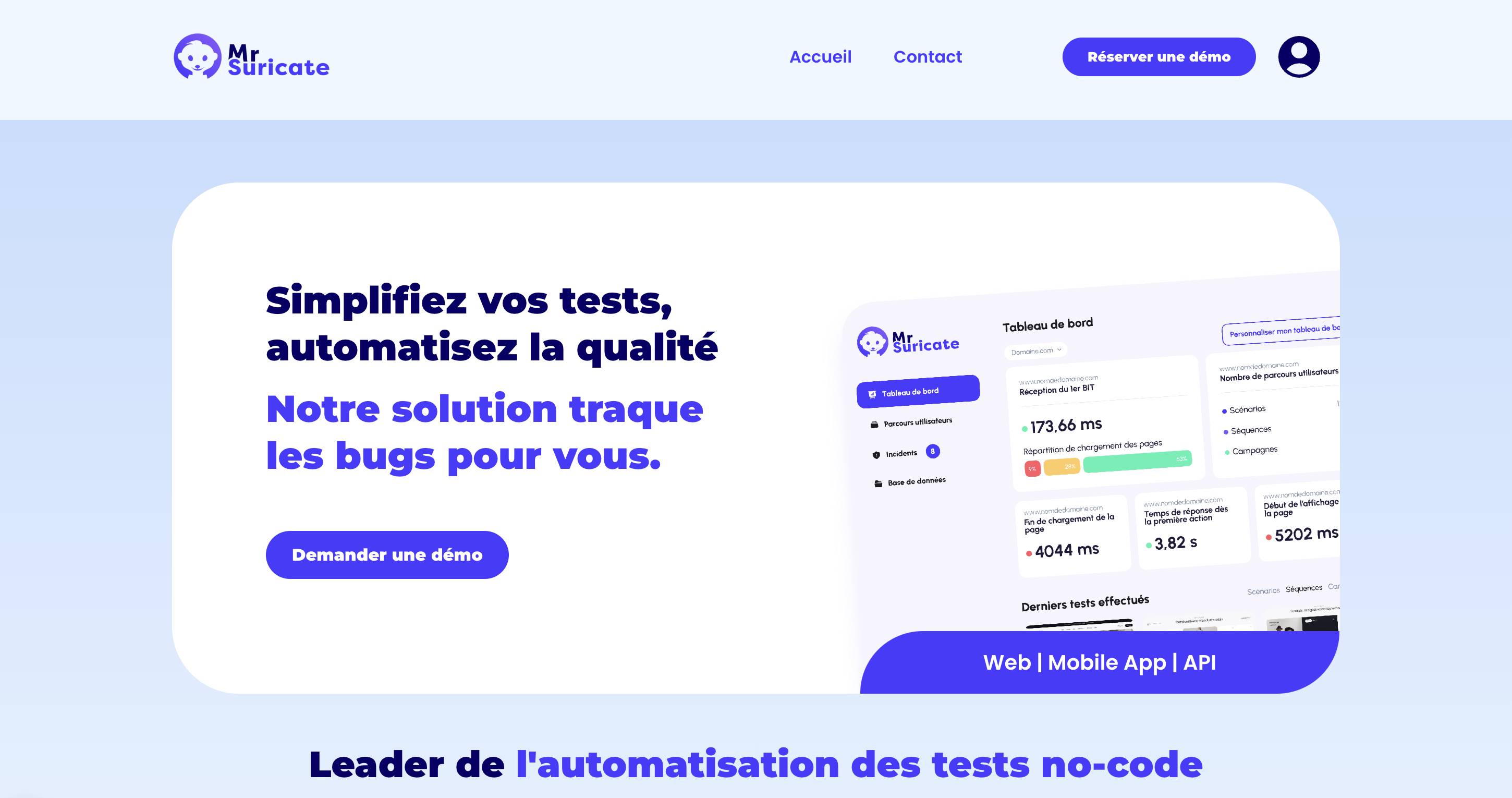
Mr Suricate is a French company specializing in test automation to ensure the quality of web and mobile applications.
Thanks to its no-code approach enhanced by artificial intelligence, Mr Suricate businesses an all-in-one testing and monitoring platform that is easy to use, even for non-technical users.
The tool stands out for its cross-platform versatility, enabling application testing across various environments to ensure an optimal user experience. Its proactive anomaly detection system replicates user journeys at regular intervals, swiftly identifying bugs before they impact production.
Mr Suricate easily into existing IT ecosystems and works with many third-party tools, facilitating centralized test management.
Its intuitive interface allows for real-time visualization of application performance through customizable dashboards, providing enhanced visibility into key metrics.
In the event of an incident, the tool sends real-time alerts, enabling technical teams to intervene swiftly to maintain service availability and reliability.
Key Benefits of Mr Suricate
✅ No-code solution accessible to non-technical teams.
✅ Widget-based dashboards with advanced custom alerts.
✅ Continuous monitoring to detect anomalies in real time.
✅ Cross-platform testing (web, mobile, API).
✅ Responsive customer support and tailored assistance.
✅ Portability plan available for open-source platforms.
✅ Fixed monthly price.
Disadvantages
❌ Limited customization options for more experienced testers looking for additional features.
❌ Does not support testing related to network infrastructure or applications that are not accessible via a browser.
Mr Suricate a no-brainer, because he assures us that there are no problems. Finding just one bug is enough to make the solution pay for itself for an entire year!
Anthony Cornevin, E-commerce Platform Manager, Vertbaudet
2. Dynatrace – AI for Application Monitoring
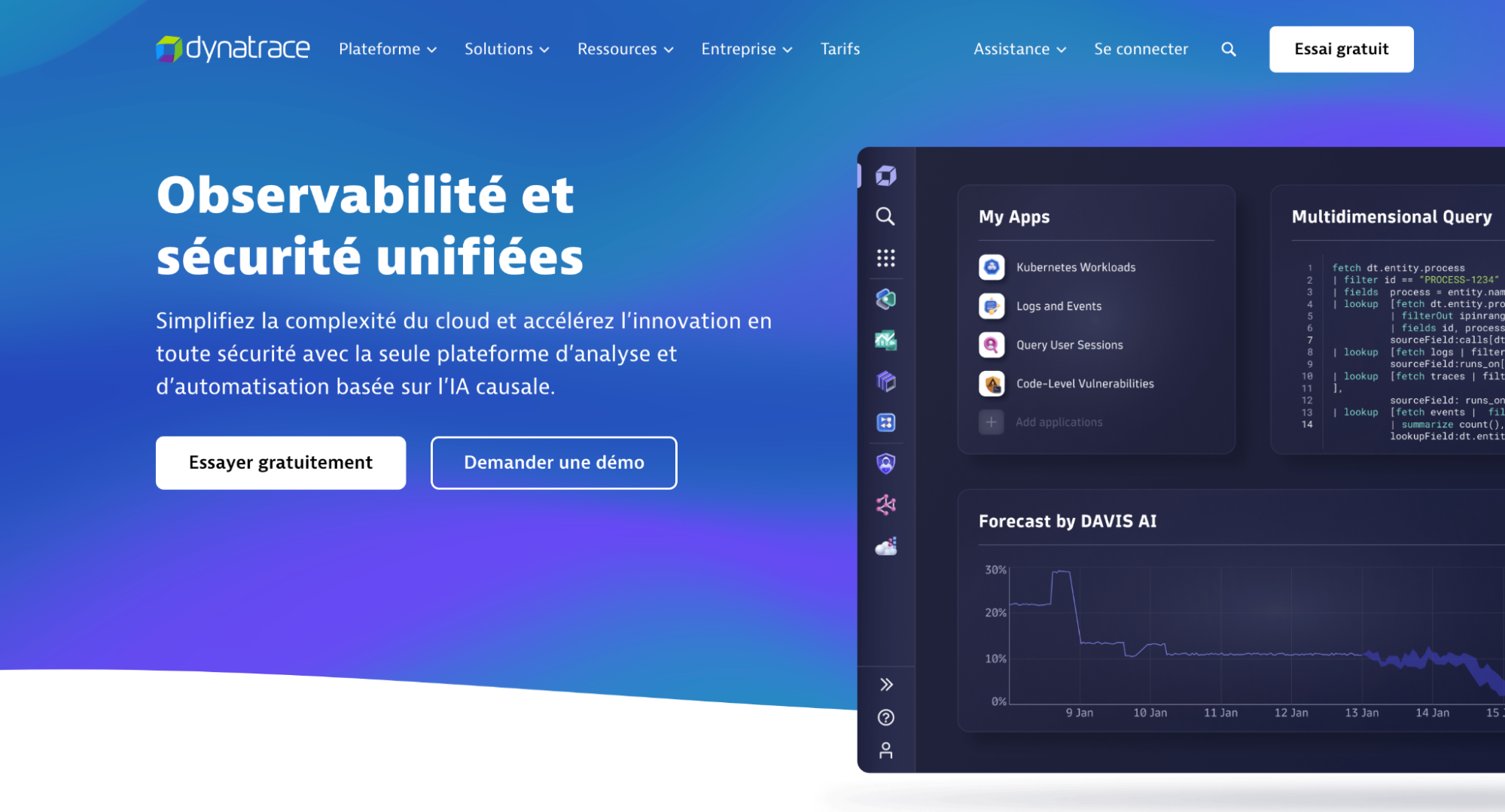
Dynatrace is an Artificial Intelligence (AI)-powered monitoring platform, offering solutions that include modules for application observability and security, digital experience, infrastructure, and automation.
The platform is particularly renowned for its analytical tool, Grail, which collects large-scale causal data and provides AI-powered insights with full contextual awareness for enhanced decision-making.
Dynatrace also allows for the configuration of targeted notifications to ensure that the most qualified personnel are alerted in case of an issue.
Key Advantages
✅ Integrated AI for automatic problem analysis and detection.
✅ Full-stack monitoring (applications, infrastructure, users).
✅ Automatic mapping of service dependencies.
✅ Targeted notifications.
✅ Supports BizDevOps with BI tools.
✅ Large-scale causal data processing.
Disadvantages
❌ Complex to implement.
❌ High cost, particularly for large-scale infrastructure.
❌ Limited support.
3. Datadog – The Versatile Tool for Cloud Monitoring
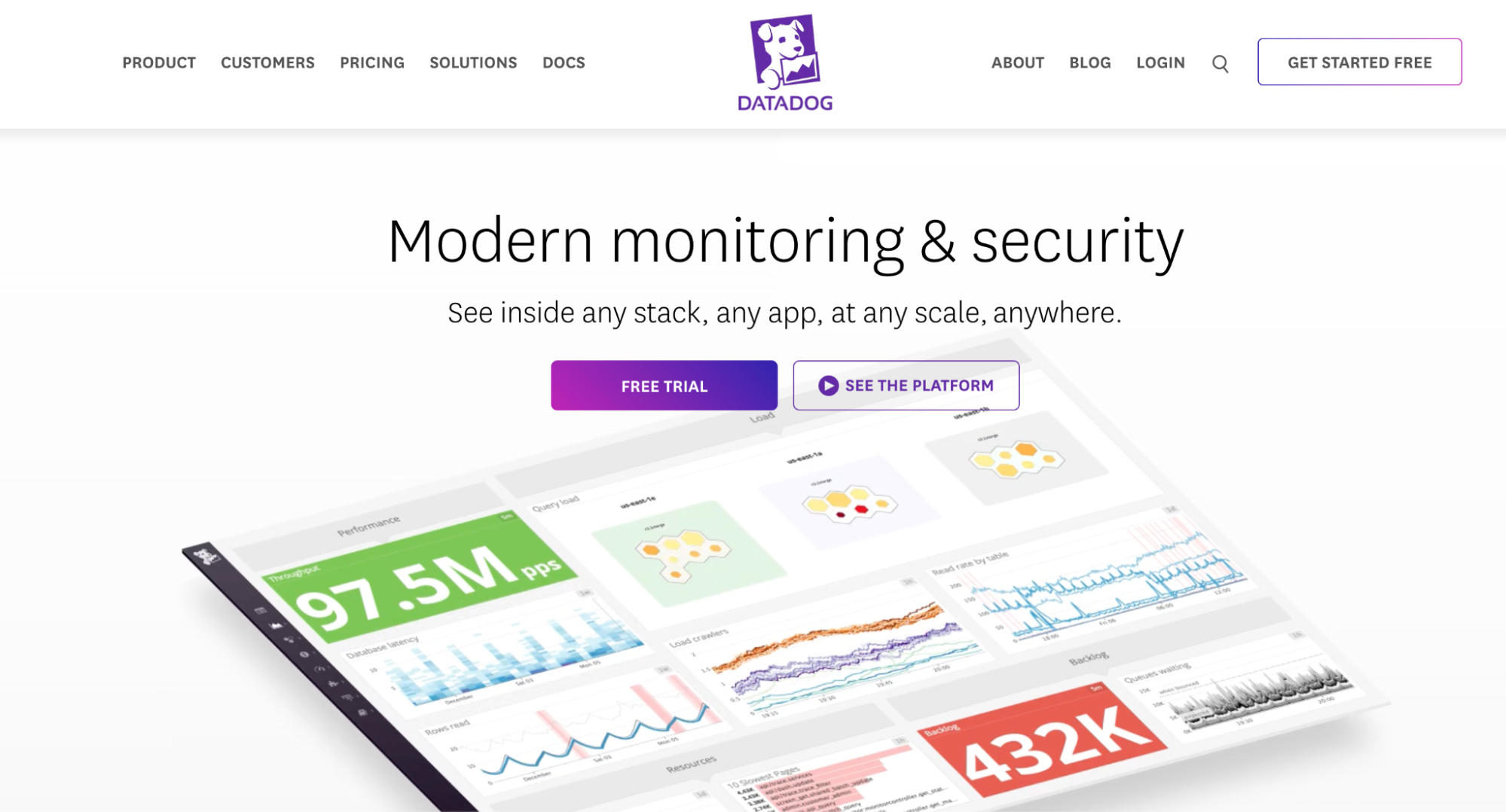
Datadog is a unified cloud monitoring platform, providing comprehensive visibility into application, infrastructure, and log performance. Designed for DevOps teams and IT engineers, it enables real-time system analysis and optimization of reliability.
The platform is distinguished by its advanced monitoring capabilities, including performance tracking for servers, databases, and services, as well as real-time user behavior analysis. It also integrates with over 400 technologies and services, facilitating its deployment across various environments.
Datadog also offers advanced tools for digital experience management, such as session recording and replay, error tracking, and real-time monitoring of real and synthetic users.
Key Advantages
✅ Intuitive interface with customizable dashboards.
✅ Easy integration with over 400 services and tools.
✅ Advanced alerting tools to anticipate and prevent incidents.
✅ In-depth log analysis for optimal traceability and observability.
Disadvantages
❌ High pricing.
❌ Can generate excessive alerts if improperly configured.
❌ Relatively steep learning curve, requiring time for full mastery.
❌ Limited documentation, which may complicate adoption and configuration.
4. New Relic: Next-Generation Observability
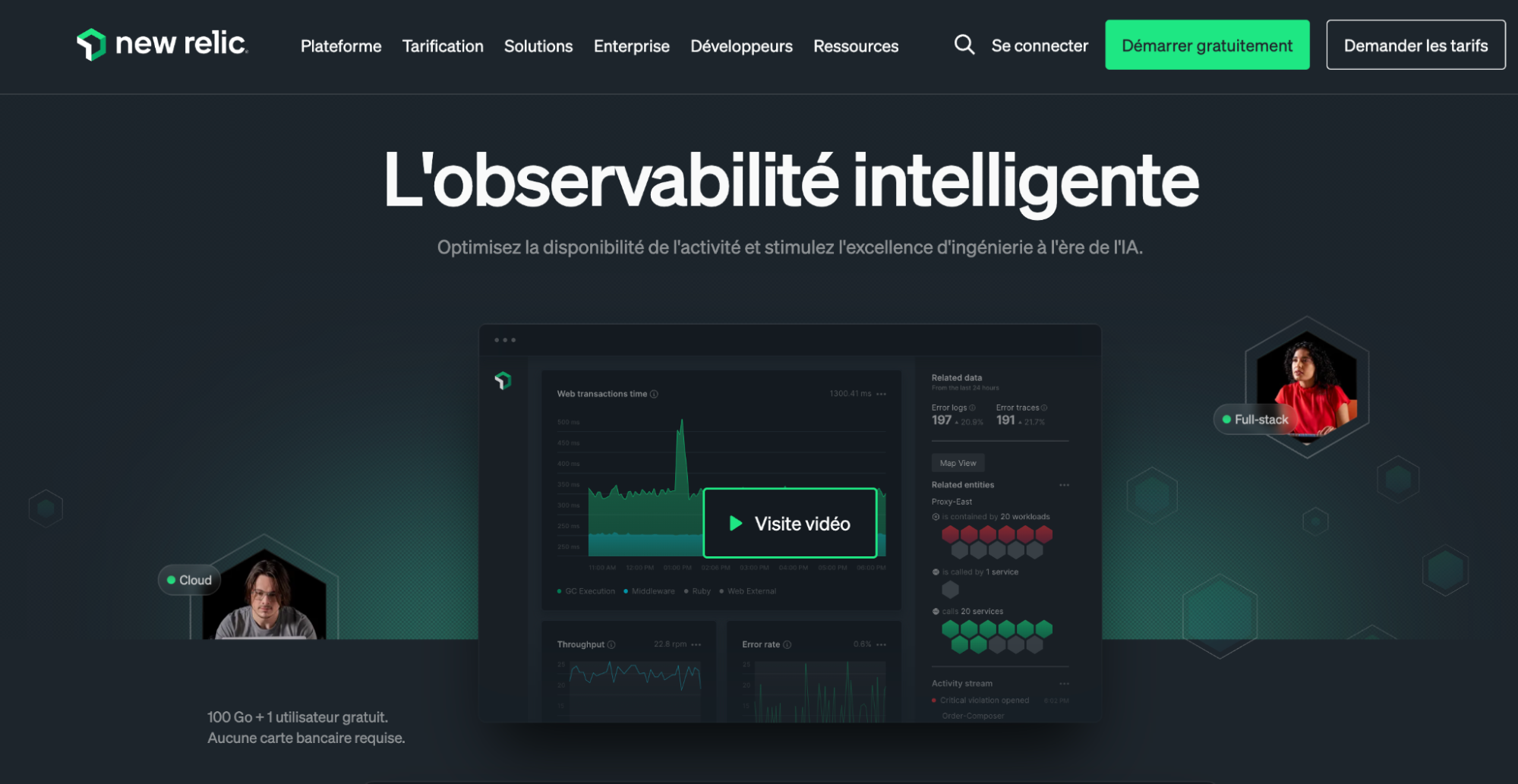
New Relic is an observability platform that provides engineers and data scientists with crucial data to detect issues from the pre-production environment, identify anomalies before they reach production, and trigger immediate alerts.
This monitoring tool stands out for its Errors Inbox feature, a full-stack error management solution that allows errors to be grouped by severity and targeted notifications to be sent to the relevant teams, particularly via Slack.
New Relic also retains error history even after resolution, providing access to contextual information, attachments, and comments for comprehensive post-mortem analysis and improved intervention tracking.
Key Benefits
✅ Compatible with numerous languages and frameworks.
✅ In-depth application performance analysis.
✅ Precise diagnostic tools for identifying bottlenecks.
✅ Intuitive interface with detailed reports.
✅ Error storage and management for effective tracking.
✅ Targeted notifications for errors.
✅ Intelligent error grouping for faster resolution.
Disadvantages
❌ Can be resource-intensive, impacting the performance of monitored applications.
❌ Dense interface, requiring a certain adaptation period.
❌ High cost, potentially becoming expensive depending on usage.
❌ Large number of features, which can be overwhelming for new users.
5. Grafana: The Open-Source Benchmark for Data Visualization
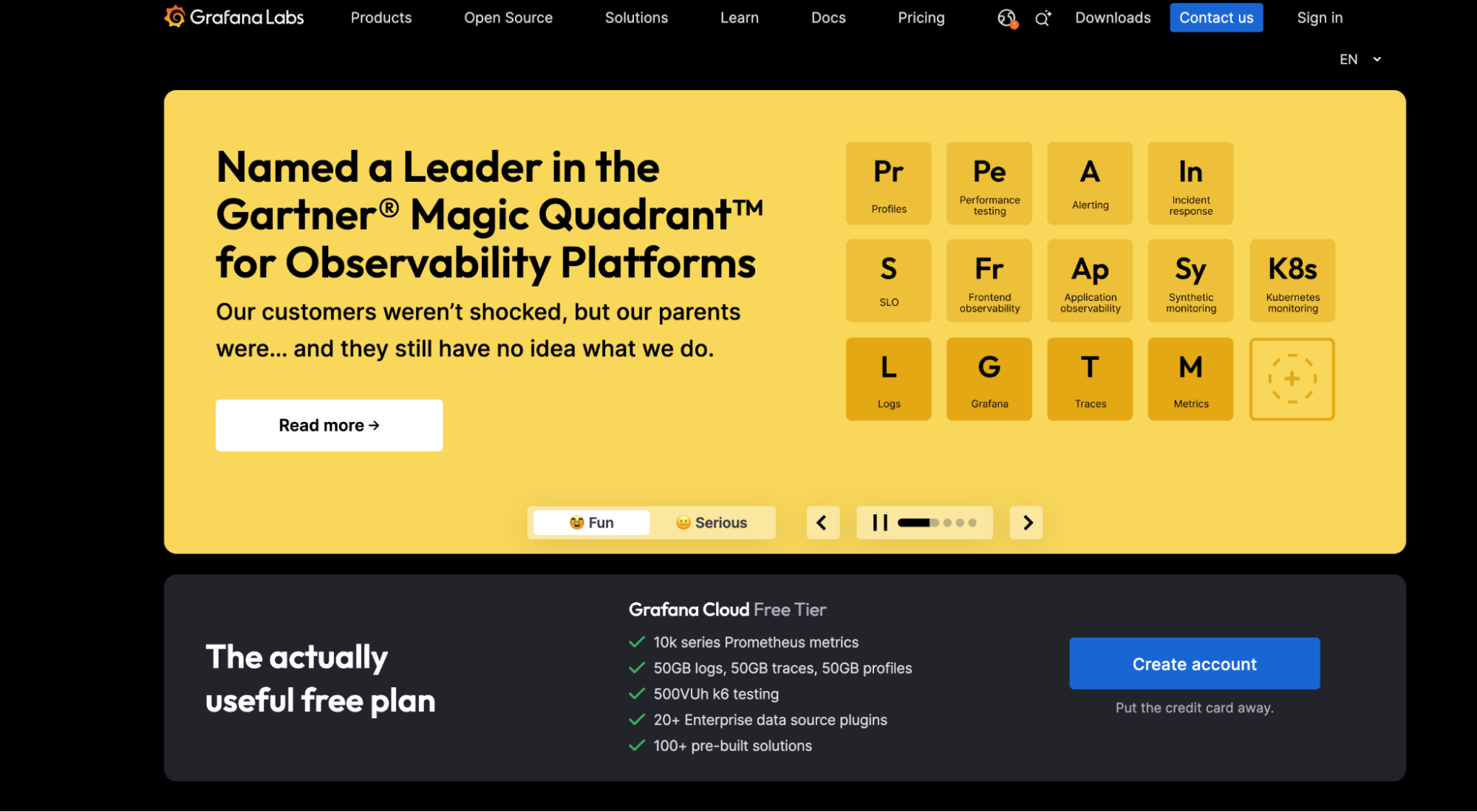
Grafana is an open-source tool specializing in data visualization and analysis. It is utilized to analyze metrics from multiple data sources, providing a flexible solution for full-stack monitoring.
It is possible to integrate complementary Grafana tools for in-depth monitoring of back-end and front-end performance, including real-time data collection on logs, metrics, and events.
As an open-source project, Grafana allows users to add their own functionalities and offers an interactive demo without prior commercial contact.
Key Benefits
✅ Free and open-source.
✅ Customizable dashboards.
✅ Integration with numerous tools such as Prometheus, InfluxDB, and Elasticsearch.
✅ Active community and wide selection of extensions.
✅ Interactive online demo accessible without registration.
Disadvantages
❌ Requires coupling with other tools for a complete monitoring solution.
❌ Advanced configuration required to fully leverage its functionalities.
❌ Demands in-depth technical expertise for optimal utilization.
❌ Logs are not natively stored, necessitating an external solution.
Try Mr Suricate No-code, cross-browser, cross-device monitoring
Mr Suricate 's greatest value-added feature Mr Suricate that it combines its SaaS solution with high-quality service and enables non-IT professionals to become testers in less than a month.
With Mr Suricate, you don't need to know how to code or spend a fortune to ensure your users have a smooth, bug-free browsing experience—no matter how they access your site!
FAQ
What is the difference between an automated testing tool and a monitoring tool?
Automated testing replays user journeys to detect bugs before production; monitoring observes the application under real-world conditions and alerts when an issue arises. Both are complementary for ensuring service reliability.
Why monitor your web and mobile applications?
Even a well-designed application can crash, slow down, or malfunction under real-world conditions. Monitoring enables early detection of these incidents, preventing them from impacting user experience and revenue.
Which application monitoring tool should you choose?
It depends on the need: Mr Suricate cross-platform, no-code automated testing; Dynatrace or Datadog for large-scale infrastructure monitoring. The ideal approach is often to combine proactive testing with continuous monitoring.
Further Reading
To see the solution in action, check out our functional tests.
Learn more: Mobile app testing and our comparison of automated testing tools.