

At a Glance: By 2025, automated testing has become a strategic necessity for any organization seeking to ensure the quality of its applications. This guide covers: The key benefits of Leapwork, The drawbacks of Leapwork, The key benefits of Cypress, The drawbacks of Cypress.
By 2025, automated testing had become a strategic necessity for any organization seeking to ensure the quality of its applications.
Shorter development cycles and increasing pressure to deliver a superior user experience have made automation an essential pillar of software quality.
In this context, choosing the right tool is no longer just a technical detail. It is a fundamental decision that can determine the performance and resilience of your testing strategy.
This 2025 comparison provides an in-depth analysis of three major solutions on the market: Leapwork, Cypress, and SmartBear TestComplete. Each addresses specific needs and is geared toward very distinct user profiles.
Whether you're a developer, QA tester, or business user, this guide will help you identify the tool that best suits your situation and goals.
Leapwork: No-Code Visual Automation to Make Testing More Accessible
Leapwork positions itself as an automation platform designed to make testing accessible to as many people as possible.
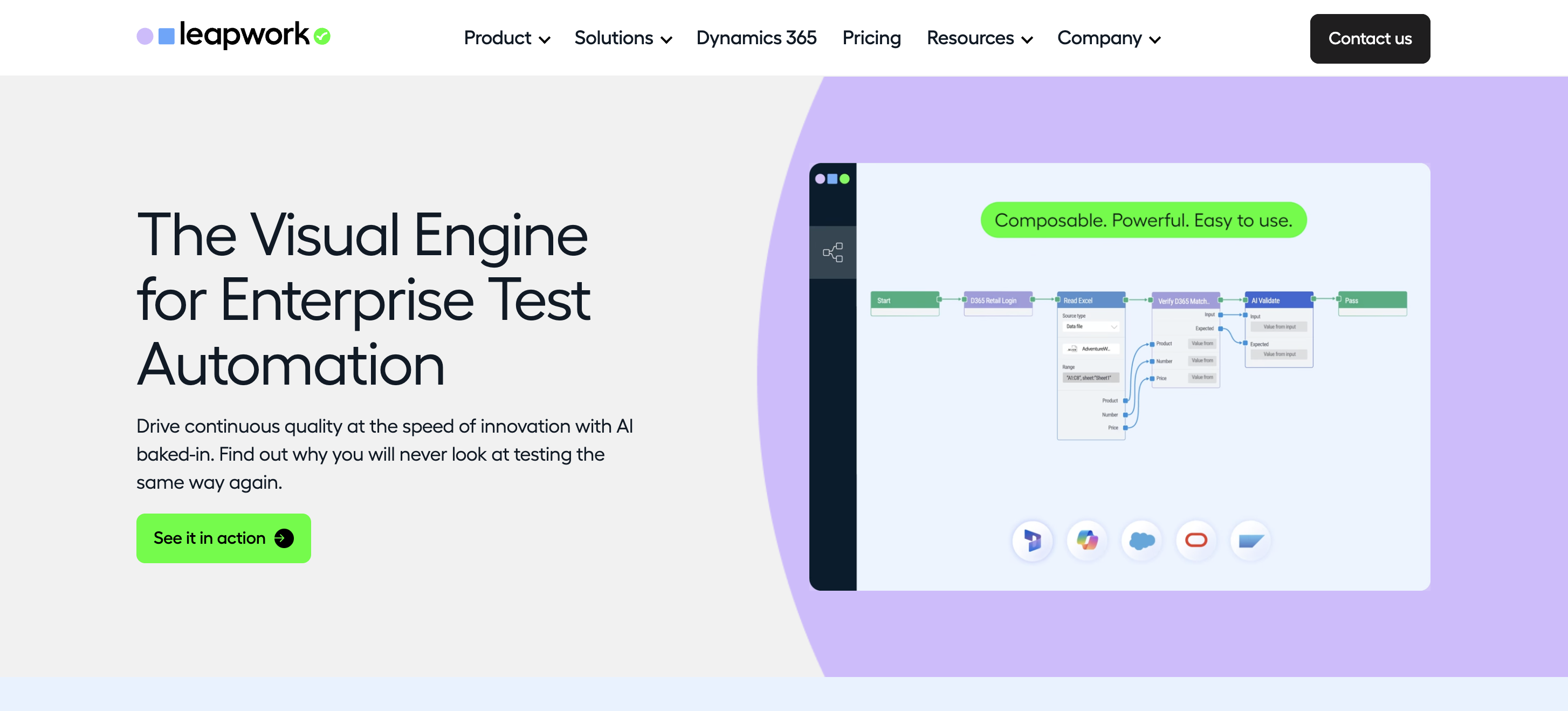
What sets it apart is its 100% visual approach, in which users create their scenarios by assembling graphical blocks rather than writing code.
This no-code approach allows business teams, manual testers, and product owners to automate their own test cases without advanced technical skills.
The tool is based on reusable blocks representing actions (clicking, entering text, checking an element, navigating, etc.), which can simply be dragged and dropped into a visual editor.
Another notable point: Leapwork supports a wide variety of environments, from web and Windows desktop applications to Citrix and even mainframe systems. This versatility is particularly valuable in organizations where multiple generations of applications coexist.
The Key Benefits of Leapwork
✅ Full accessibility thanks to no-code: makes automation available to non-technical users and allows business teams to create their own tests without relying on developers.
✅ Quick to learn: The visual approach reduces complexity and makes it easier for manual testers or functional teams to create test scenarios.
✅ Simplified maintenance thanks to smart recognition: the platform automatically adjusts the selectors when elements change slightly, minimizing errors and the need for manual adjustments.
✅ High multi-environment compatibility: supports web, desktop, Citrix, and mainframe environments, making it a solution well-suited for heterogeneous IT systems.
The Drawbacks of Leapwork
❌ Limitations of the no-code model: When a scenario becomes complex or requires advanced logic, the lack of access to code can frustrate experienced users.
❌ High cost: The solution is positioned at the high end of the market, which may be a barrier for small organizations or projects with limited budgets.
❌ Closed, proprietary ecosystem: The tests created are tightly tied to the platform, making future migration difficult and creating a risk of vendor lock-in.
❌ There is a real learning curve even with no-code: mastering all the features takes time, especially when it comes to taking full advantage of advanced blocks and configuration options.
*Ideal for organizations looking to make automation more accessible and consolidate their testing on a visual, versatile, and user-friendly platform.
Cypress: Speed and Reliability for End-to-End Web Testing in JavaScript
Cypress has become one of the essential testing tools in the JavaScript ecosystem.
Unlike Leapwork, which relies on a visual, no-code approach, Cypress is primarily aimed at developers and technical teams.
What sets it apart is its modern architecture, which runs directly in the browser, offering unique visibility and control over the application being tested.
Because it runs in the same execution loop as the application under test, it provides real-time access to the DOM, network events, and internal objects.
This innovative approach significantly improves the stability, execution speed, and accuracy of end-to-end tests.
The Key Benefits of Cypress
✅ Execution speed: Thanks to its browser-based architecture, tests run very quickly. Automatic test reloading significantly speeds up the feedback loop for developers.
✅ Increased reliability: Cypress automatically handles timeouts, animations, and network responses. Tests become much more stable and do not require manual pauses, drastically reducing false negatives.
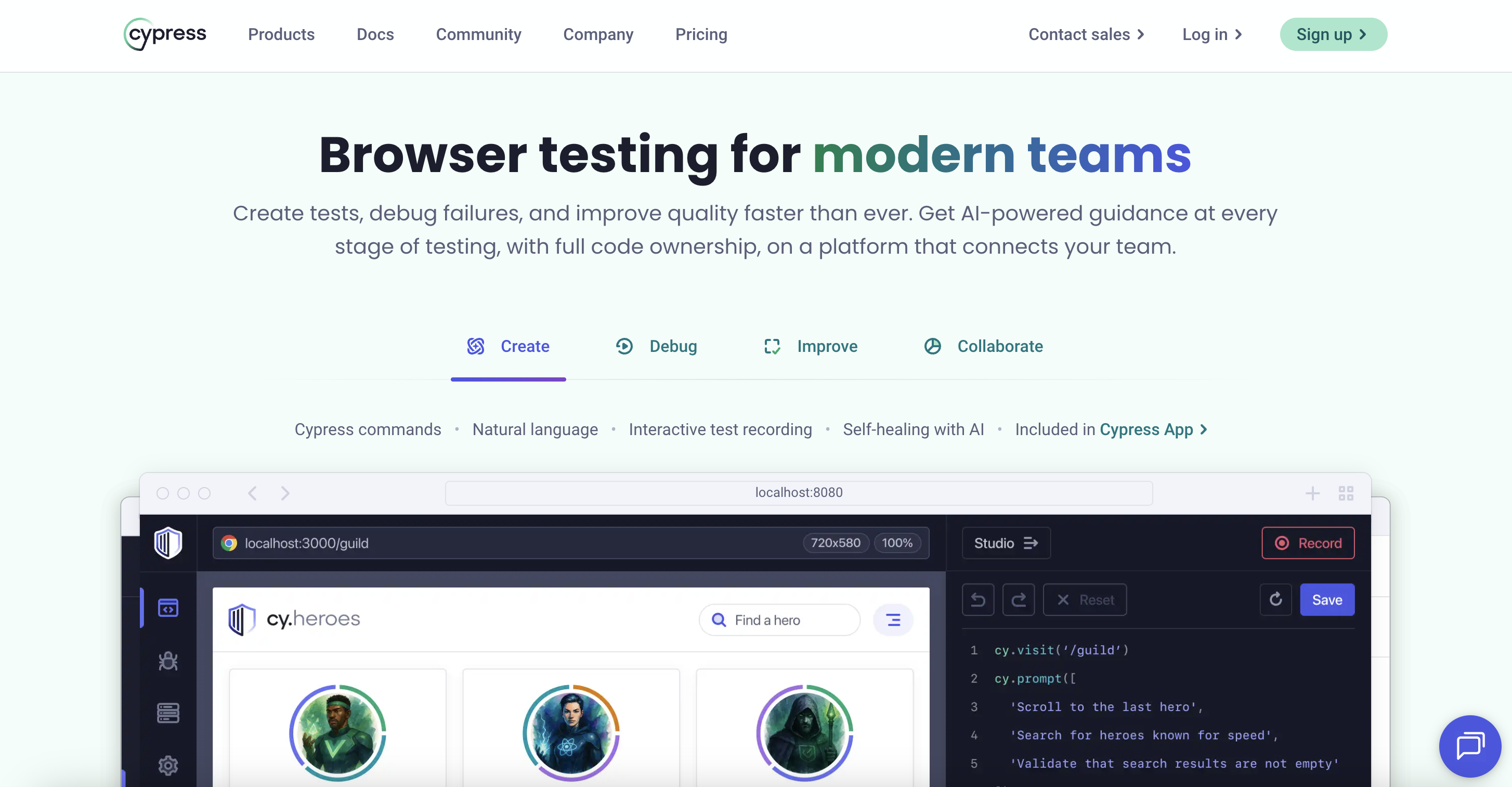
✅ Simplified debugging: The test runner interface lets you view each step of the test, with automatic screenshots and videos in the event of a failure. Debugging becomes faster and more visual.
✅ Native integration with the JavaScript ecosystem: Fully compatible with React, Vue, Angular, and jQuery, Cypress integrates seamlessly into modern projects. Numerous plugins enhance its capabilities, particularly for authentication, payments, and API simulation.
The Drawbacks of Cypress
❌ Reliance solely on JavaScript: Teams working with Python, Java, or C# must adapt their skills or maintain multiple frameworks, which can complicate the testing strategy.
❌ Limited functional scope: Cypress focuses solely on testing web applications. Mobile, desktop, or complex API testing requires additional tools.
❌ Technical limitations: Multi-tab or multi-domain scenarios remain difficult to manage. Workarounds exist, but they increase complexity and reduce maintainability.
❌ Cost of advanced features: Premium options such as the Cloud Dashboard, parallel execution, and analytics represent an additional investment that can strain small budgets.
*Ideal for technical teams and JavaScript projects seeking speed, reliability, and deep integration with modern web frameworks.
SmartBear TestComplete: A Powerful Hybrid Solution for Various Application Environments
SmartBear TestComplete is a highly comprehensive automation solution designed to cover a wide range of application environments.
Unlike tools that specialize in a single type of technology, TestComplete takes a hybrid approach that can test web, desktop, and mobile applications—and even more technical interfaces.
This versatility makes it a popular tool among organizations that manage multiple projects simultaneously and want to avoid using multiple testing frameworks.
The platform offers both scripted options for developers and a no-code mode for functional testers, providing significant flexibility.
The Key Benefits of SmartBear TestComplete
✅ Extensive technology compatibility: native support for Windows applications, modern web applications (React, Angular, Vue), iOS/Android mobile apps, and less common frameworks such as Delphi or Qt. Ideal coverage for heterogeneous environments.
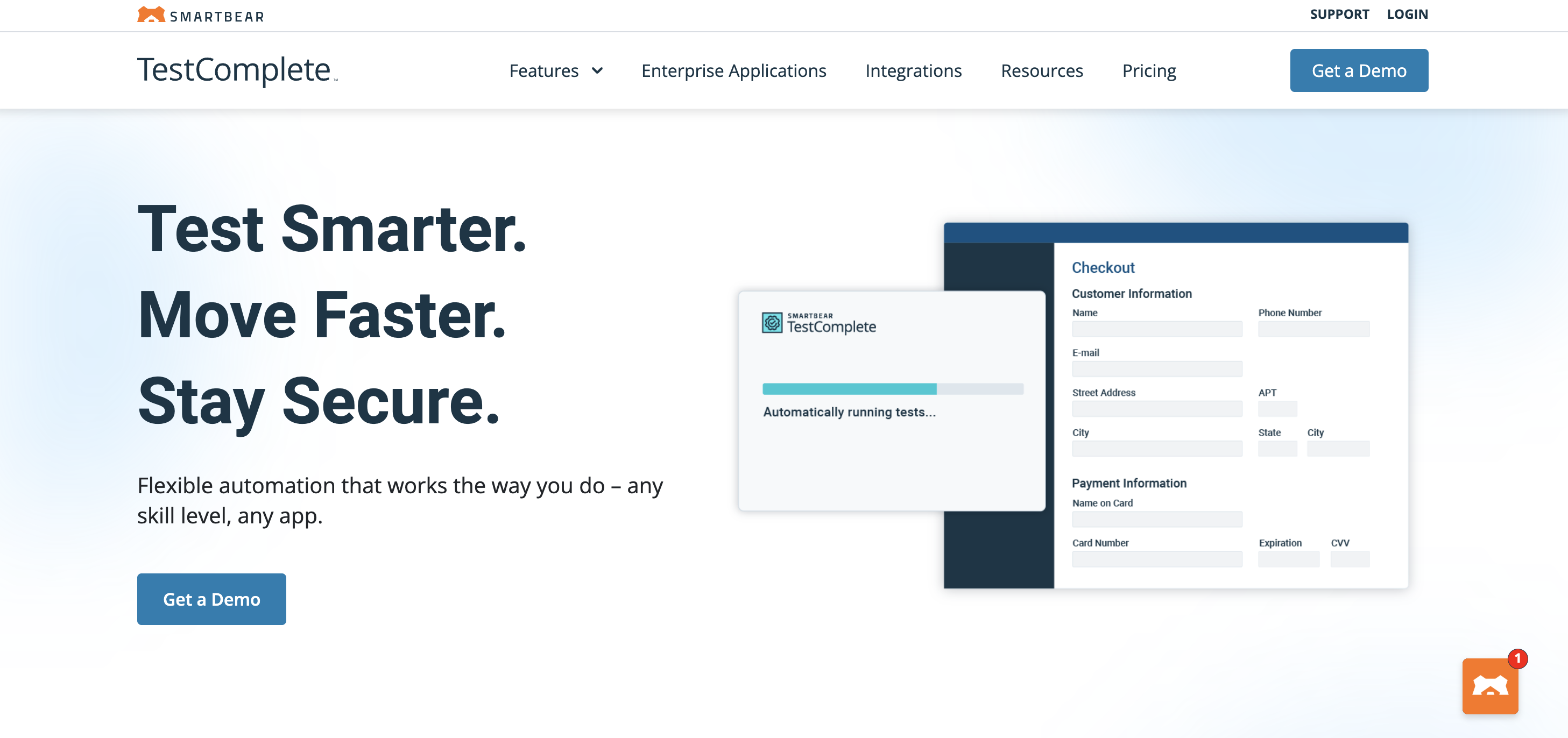
✅ Flexible testing approaches: scripts can be written in JavaScript, Python, VBScript, DelphiScript, or C++Script. Non-technical testers can use recording mode to automatically generate reusable scripts.
✅ Advanced object recognition: a multi-layered engine that combines native properties, visual analysis, and AI. The result: tests that are more resilient to interface changes and require less maintenance.
✅ Seamless integration with CI/CD: compatible with Jenkins, GitLab CI, Azure DevOps, TeamCity, and more. Tests integrate seamlessly into DevOps pipelines with detailed reports for each run.
✅ Efficient test data management: CSV/Excel import , database connectivity, and scenario configuration. Ideal for running complex variations and ensuring data representativeness.
The Drawbacks of SmartBear TestComplete
❌ High cost: a premium solution with a high license fee, plus annual maintenance fees. This can be a barrier for small teams or startups.
❌ Significant learning curve: Despite its no-code features, fully leveraging the platform requires genuine technical skills. Beginners may be overwhelmed by the wealth of features.
❌ Performance could be improved with large volumes: some users have reported slowdowns during very large or parallel test suites, particularly with complex web applications.
❌ Dependence on the SmartBear ecosystem: Integration with other tools may not be seamless, sometimes forcing teams to adapt their existing processes rather than the other way around.
*Ideal for multi-technology organizations looking for a robust, flexible tool capable of supporting web, desktop, and mobile platforms simultaneously.
Our recommendation
If your priorities are speed, close integration with the code, and seamless integration into DevOps practices, Cypress will be the most natural choice for technical teams working on modern web applications.
If you're looking to make automation more accessible to business teams and reduce reliance on developers, Leapwork stands out as the most accessible option thanks to its visual, no-code approach.
For multi-technology or hybrid environments where web, desktop, mobile, and legacy systems coexist, SmartBear TestComplete remains the most comprehensive and flexible solution.
In fact, some organizations opt for a hybrid approach, combining Cypress for web testing, Leapwork for business functional testing, and TestComplete for legacy applications.
This multi-tool strategy can provide optimal coverage, provided it is accompanied by clear governance.
Try Mr Suricate A multi-browser, multi-device automated testing solution
If your goal is to secure your user journeys without technical complexity or excessive investment, Mr Suricate offers a simple, modern, and immediately operational alternative.
Its strength lies in the combination of a turnkey SaaS solution and personalized support, which enables users of all backgrounds—even those without a technical background—to become operational within a few weeks.
With Mr Suricate, you can monitor your website or application across all browsers and devices, 24/7, with a clear view of the issues that are actually affecting your users.
For organizations looking to automate intelligently without adding complexity to their testing stack, Mr Suricate as a pragmatic, accessible solution focused on user experience.
Further Reading
- 2025 Comparison: Tricentis vs. OpenText vs. Mr Suricate Which Automated Testing Tool Should You Choose?
- How to Choose the Best Automated Functional Testing Tool in 2023?
- Tag Management: Steps for Setting Up an Analytics Testing Tool
- Mobile Testing
- The no-code script editor
- Selenium, Cypress, or Mr Suricate: A Comparison
- SmartBear vs. Mr Suricate: A Comparison
- Tricentis Tosca vs. Mr Suricate: A Comparison
- Leapwork vs. Mr Suricate: A Comparison
FAQ
Leapwork, Cypress, or SmartBear: Which One Should You Choose?
Leapwork if you want a visual, no-code solution for business users; Cypress if your teams code in JavaScript and are looking to run fast end-to-end web tests; SmartBear to cover a variety of application environments with a hybrid approach.
Is Cypress suitable for non-technical teams?
No. Cypress is an excellent tool for developers, but it requires writing JavaScript code. Non-technical users will likely opt for a no-code solution.
What is the main drawback of Leapwork?
Its strength lies in its visual no-code interface, but its cost rises rapidly as the number of tests and users increases, which can be a burden for teams scaling up.
Is SmartBear TestComplete suitable for all projects?
It covers a wide range of environments thanks to its hybrid approach, but requires a certain level of technical expertise. It is better suited for technically skilled teams than for purely business-focused roles.
Is there an alternative that combines testing and monitoring?
Yes. Mr Suricate no-code automated testing and user journey monitoring in a single tool, with real-time alerts, which eliminates the need for multiple solutions.
See also: Trial Campaign: Secure Your Deployments and Boost Your ROI, Mr Suricate Datadog vs. Contentsquare: Differences and Complementarity, Mr Suricate Serenity BDD vs. Pingdom, Mr Suricate Alfred Monitoring vs. Tosca, and 3 Good Reasons to Test Your Tagging Plans (Data Layer).
Learn more: our comparison of automated testing tools.