
At a Glance: In today’s digital ecosystem, QR codes have become the primary point of contact between the physical world and your digital services. This guide covers: scanning reliability, QR code security, the variety of scanning devices and apps, and cross-platform compatibility.
In today’s digital ecosystem, QR codes have become the primary point of contact between the physical world and your digital services. Whether it’s to access a restaurant menu, pay for parking, or unlock a promotional offer in-store, these small pixelated squares are everywhere: 59% of smartphone users say they scan a QR code every day.
However, ensuring the quality of these interactions presents a unique challenge. Unlike traditional browsing, the QR code testing must account for a critical “off-screen” transition (O2O—Online-to-Offline). For QA teams, the challenge goes beyond simply verifying a URL; they must validate the entire chain: readability, redirection, performance, security, and cross-device consistency.
Understanding How User Journeys Initiated by QR Codes Work
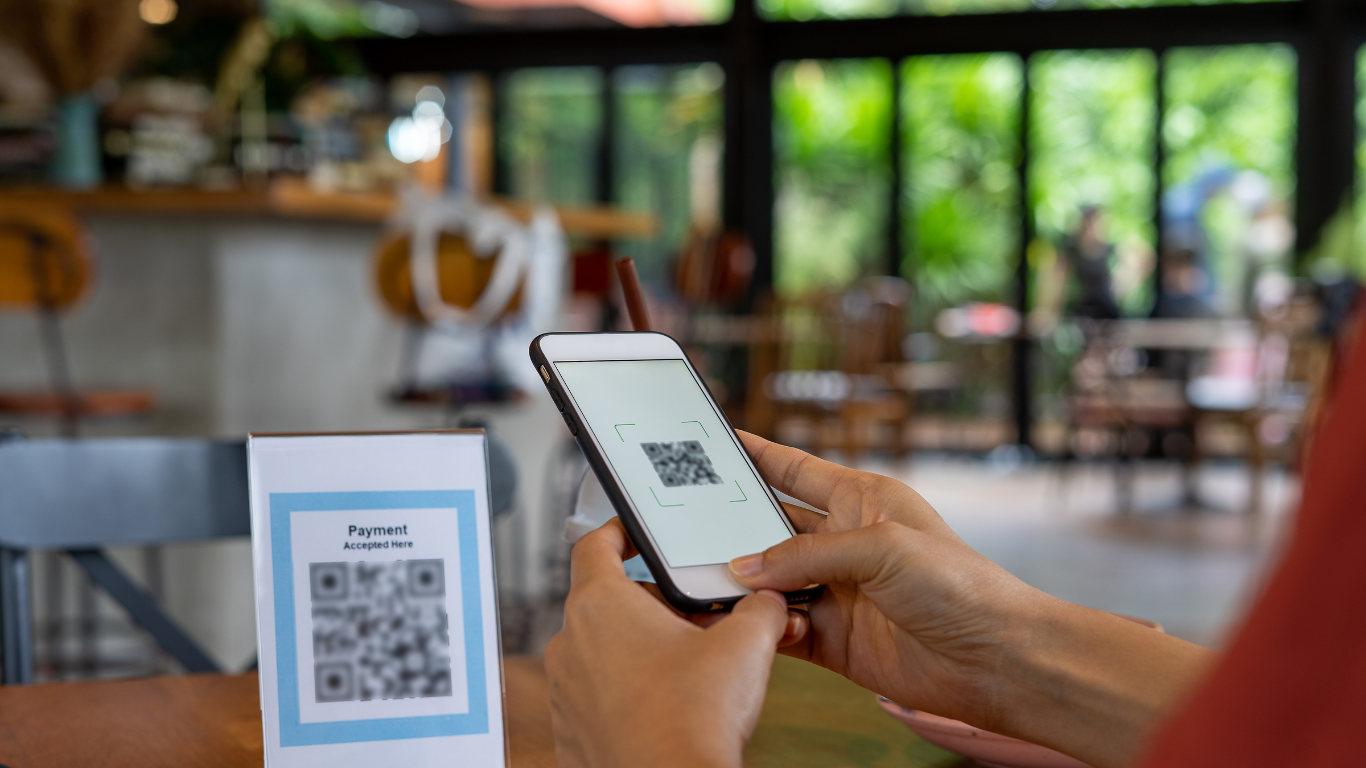
QR codes act as technological bridges that enable this instantaneous transition from the physical to the digital world.
The user scans a code with their smartphone and is immediately immersed in a digital experience specifically designed to meet their current needs.
This approach transforms any physical medium into a gateway to an optimized mobile interface.
For example:
- A restaurant that displays a QR code on its tables allows customers to access the digital menu directly and place their orders without having to wait for a server.
- The subway advertisement serves as a gateway to a personalized landing page where users can learn about the promotional offer and make a purchase in just a few clicks.
Examples of its use are multiplying across all sectors:
- Museums are incorporating QR codes into their display panels to enhance the visitor experience with multimedia content.
- Consumer goods use these codes to direct consumers to user guides, loyalty programs, or satisfaction surveys.
- At professional events, QR codes are replacing traditional business cards, automating the exchange of contact information.
They eliminate the need to manually enter URLs and provide instant access to digital services, turning every in-person interaction into a genuine opportunity for engagement.
The Specific Challenges of QA Testing for Pathways Initiated by QR Codes
QA testing for user flows that begin with a QR code involves multidimensional complexities that go far beyond the challenges of traditional application testing:
The Reliability of Scanning
The reliability of the scanning process is the first major obstacle.
Variable lighting conditions, barcode print quality, scanning distance, and the camera capabilities of different mobile devices create a particularly complex testing environment.
A fully functional QR code that works during development may prove unreadable in a real-world environment with poor lighting or on a damaged surface.
QR Code Security
Malicious code can redirect users to fraudulent websites or trigger unwanted downloads.
QA teams must not only validate the intended destination, but also ensure that the path remains secure throughout the entire experience.
The Variety of Reading Devices and Apps
The variety of devices and scanning apps exacerbates these challenges. Each combination of smartphone and scanning app may interpret the same code differently, leading to unpredictable variations in behavior.
Response times, supported data formats, and security protocols vary considerably from one environment to another.
The cross-platform aspect
For example, a user journey that begins on a mobile device often needs to continue seamlessly across different browsers and operating systems, increasing the number of test scenarios required to ensure a consistent user experience.

Recommended Methods for Effectively Testing a User Journey Initiated by a QR Code
The first step is to develop test scenarios that accurately replicate real-world user behavior, from scanning the code to completing the digital journey.
Appropriate Scripting Strategies
Creating effective scenarios involves simulating different usage contexts: varying lighting conditions, QR code print quality, and the types of mobile devices used.
These scenarios must include UX validation at every critical stage of the user journey, particularly during the transition from scanning to displaying the first web page.
Automating these tests is particularly valuable thanks to no-code tools that allow users to create validation sequences without requiring in-depth technical skills.
These solutions allow you to automatically test the redirects, loading speed, and mobile compatibility of landing pages.
A gradual and iterative approach
A robust methodology involves breaking down the user journey into distinct stages: scanning the QR code, redirection, page loading, navigation, and conversion.
Each segment undergoes specific tests to verify its technical functionality and user experience.
The integrationof real-time monitoring tools makes it possible to quickly detect issues and adjust test parameters accordingly. This approach ensures comprehensive coverage of the user journey while optimizing the efficiency of QA teams.
Case Study: How Mr Suricate QA Test Automation for User Flows That Use QR Codes?
Mr Suricate positions itself as the leader in no-code test automation, offering a solution particularly well-suited to the complex challenges of QR code testing.
The platform meets the specific needs of QA teams that must validate hybrid user journeys combining physical and digital interactions.
The tool allows you to create automated test scenarios that accurately simulate user behavior, from scanning the QR code to completing the journey.
This no-code approach eliminates traditional technical barriers, allowing teams to focus on business logic rather than the complexity of the code.
The platform excels at real-time validation of redirects, ensuring that every QR code directs the user to the correct destination. It also monitors the loading performance of target pages, which is critical for maintaining user engagement after a scan.
Mr Suricate cross-device testing capabilities, which are essential for validating the user experience across different types of smartphones and scanning apps. This capability ensures optimal compatibility, regardless of the end user’s technical environment.
Case Study: Automation with Mr Suricate No-Code) + Playwright or Selenium
Mr Suricate no-code scenarios using a Suricapture recorder, which are executed by a Playwright engine in the cloud or on-premises (satellite). Two complementary patterns:
Pattern 1 – Validate the encoded content of the QR code (desktop/mobile web)
Extract the QR code from the page (canvas/img/div)
Decode the image on the test side
Verify the expected URL (scheme/hostname/path/params)
Navigate to the URL and continue the flow (authentication, payment, etc.)
Pattern 2 – Simulate a scan on the mobile side (camera)
Objective: Validate the actual experience (app/camera):
Use a device farm (cloud-based or on-premises) capable of injecting an image into the camera or simulating a scan.
Launch the app/camera, point it at the synthetic QR code, verify that the intent/URL opens, and then proceed through the flow.
Continuous monitoring of metrics makes it possible to proactively identify potential pain points, transforming one-time validation into ongoing monitoring of the quality of the user experience.

Mr Suricate Test faster. Fix sooner.
Technical, security, and multi-environment compatibility challenges require sophisticated automated QA testing tailored to this complex reality.
No-code automation is emerging as the ideal solution for overcoming these obstacles.
It allows teams to create comprehensive test scenarios that cover the entire user journey, from scanning the QR code to the user's final action.
Thanks to Mr Suricate’s intuitive platform, you can now automate your QR code user journey testing without needing advanced technical skills. Discover how our solution can revolutionize your validation processes and ensure smooth, secure, and high-performing user journeys with every deployment.
Further Reading
To see the solution in action, check out our end-to-end testing.
FAQ
Why is testing QR code-based tours unique?
Because the experience begins off-screen, in the physical world. We need to verify the reliability of the scan, the security of the QR code, and the continuity of the experience once the user is on their device.
What are the specific QA challenges associated with QR codes?
Scanning reliability, security (misused QR codes), the variety of devices and scanning apps, and cross-platform compatibility. The user experience must work everywhere.
How do you secure a route using a QR code?
By verifying that the QR code actually leads to the intended destination and by testing for potential misdirection. Security is tested just like the rest of the process.
How can you effectively test a customer journey that starts with a QR code?
With customized scenarios that cover scanning, redirection, and the rest of the user journey across different devices. The goal is to replicate the actual end-to-end user journey.
How does Mr Suricate test these courses?
By automating cross-device scenarios and monitoring user journeys—including those initiated off-screen—for both business teams and key accounts.